
Best Shopify Apps for High Conversion in 2026
Most Shopify stores are leaving money on the table. Not because they have bad products. Because their store does nothing to earn the sale.
I’ve worked on enough Shopify stores to see the same pattern over and over: merchants pour budget into ads, get traffic, and then watch 97 out of 100 visitors leave without buying. The average Shopify store converts at just 1.4%. Top 10% of stores hit 4.7% or higher. That gap is almost entirely explained by what apps and optimizations a store uses.
In this guide, I’ll walk through the best Shopify apps for high conversion in 2026, organized by category. Every pick is grounded in real data, real use cases, and what actually moves the needle: not just what looks good in a demo.
A Quick Note Before You Install Anything
Before I get into the list, one thing worth saying: installing 20 apps is not a conversion strategy.
Every app you add loads JavaScript on your pages. According to research from MIDA, conversion rates drop 4.42% for each additional second of page load time. That means app bloat directly kills the same conversions you’re trying to win.
The goal is a targeted stack. Pick apps that solve specific, diagnosed problems in your funnel. Measure each one. Remove what doesn’t earn its weight.
With that said, here are the apps I actually recommend.
#1. EmbedAny: Content Embedding & Multimedia Social Proof
- Category: Content Embedding / Social Proof
- Pricing: Free plan available. Paid from $8.70/month
- Shopify Rating: ⭐⭐⭐⭐⭐
- Best For: Stores wanting to add video, social proof, and rich media without a developer
This one surprises people. Most merchants think about reviews apps or upsell tools when they think about conversion. They overlook the most persuasive element on any product page: rich, real content.
I’ve seen stores double their conversion rate by placing 2-3 real customer videos directly on product pages. A TikTok of someone unboxing your product. A Google Review showing next to the buy button. An Instagram reel showing your product in use. That content proves your product works in a way that copy never can.
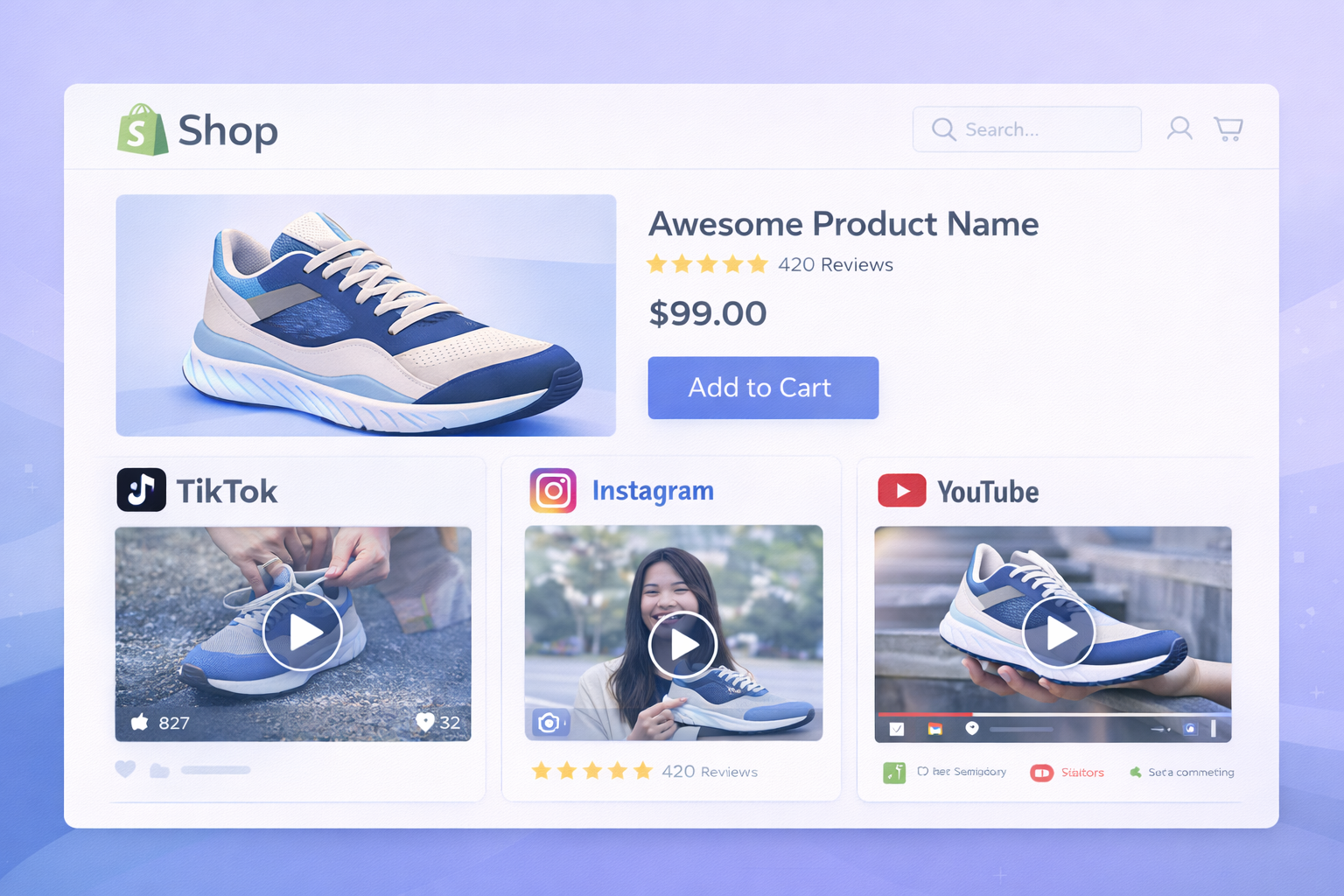
The problem has always been: embedding that content in Shopify is painful. You’re dealing with iframe restrictions, theme limitations, and broken embed codes.
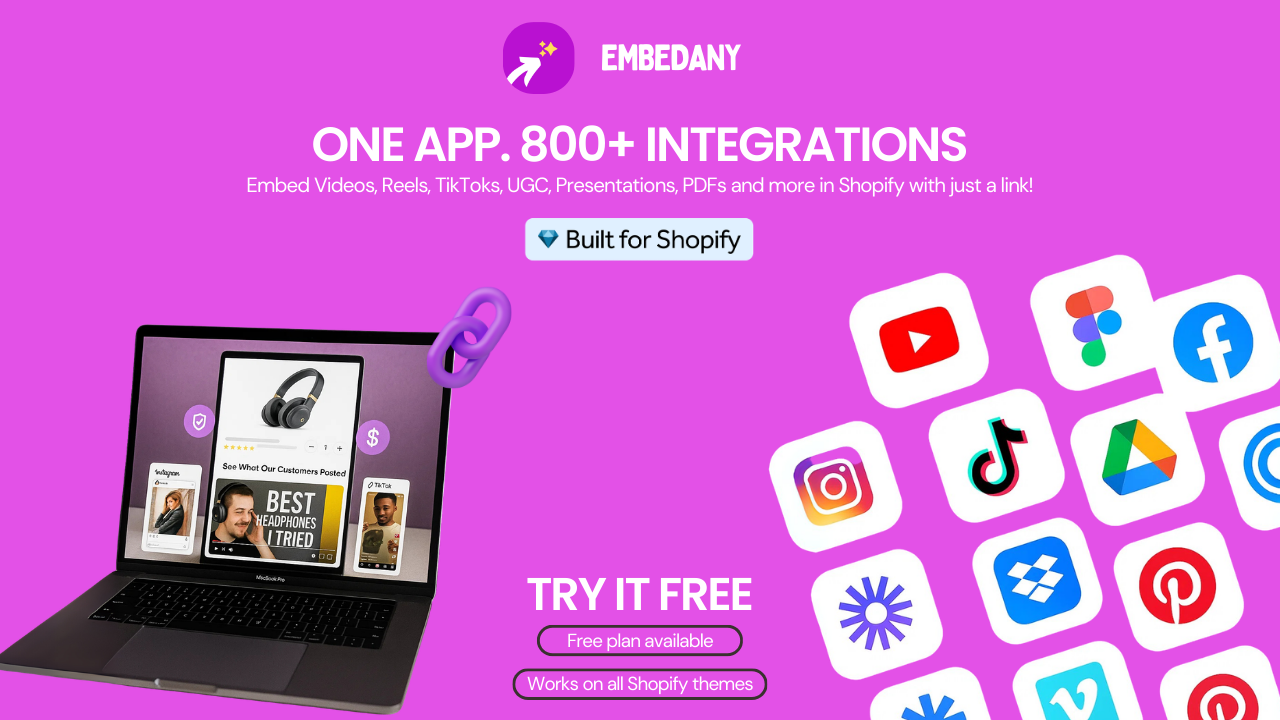
That’s exactly the problem EmbedAny solves. It lets you embed content from 800+ platforms: YouTube, TikTok, Instagram, Spotify, Google Reviews, Trustpilot, Substack, Soundcloud, PDFs, Slides: by simply pasting a link. No iframe code. No developer. No config.
On the Shopify App Store, EmbedAny is listed as a Built for Shopify app, meaning it has passed Shopify’s standards for performance, design, and integration. One merchant review puts it plainly: “You can embed 800 different kinds of content with this single app. Considering that it can replace many of your paid apps, $8.70/month is a small price for the value you get.”
Here’s how I’d use it for conversion specifically:
- Embed customer TikTok reviews directly on product pages
- Add Trustpilot or Google Review widgets next to add-to-cart buttons
- Place YouTube product demos above the fold on landing pages
- Embed Instagram reels in product descriptions to show real use
- Add Spotify playlists or Substack previews on brand story pages
The thing I value most about EmbedAny is its scope. Instead of paying for a dedicated Instagram feed app, a separate YouTube embed plugin, and another widget for reviews: EmbedAny handles all of it from one place.
If you want to learn more about specific use cases, the EmbedAny blog covers platform-specific guides in detail.
| Feature | EmbedAny |
|---|---|
| Platforms supported | 800+ |
| No-code setup | Yes (paste URL) |
| Works in Shopify editor | Yes |
| Built for Shopify badge | Yes |
| Replaces multiple apps | Yes |
| Starting price | Free / $8.70/mo |
#2. Judge.me: Reviews & Social Proof
- Category: Reviews & Social Proof
- Pricing: Free plan available. Paid from $15/month
- Best For: Any store serious about review collection and display
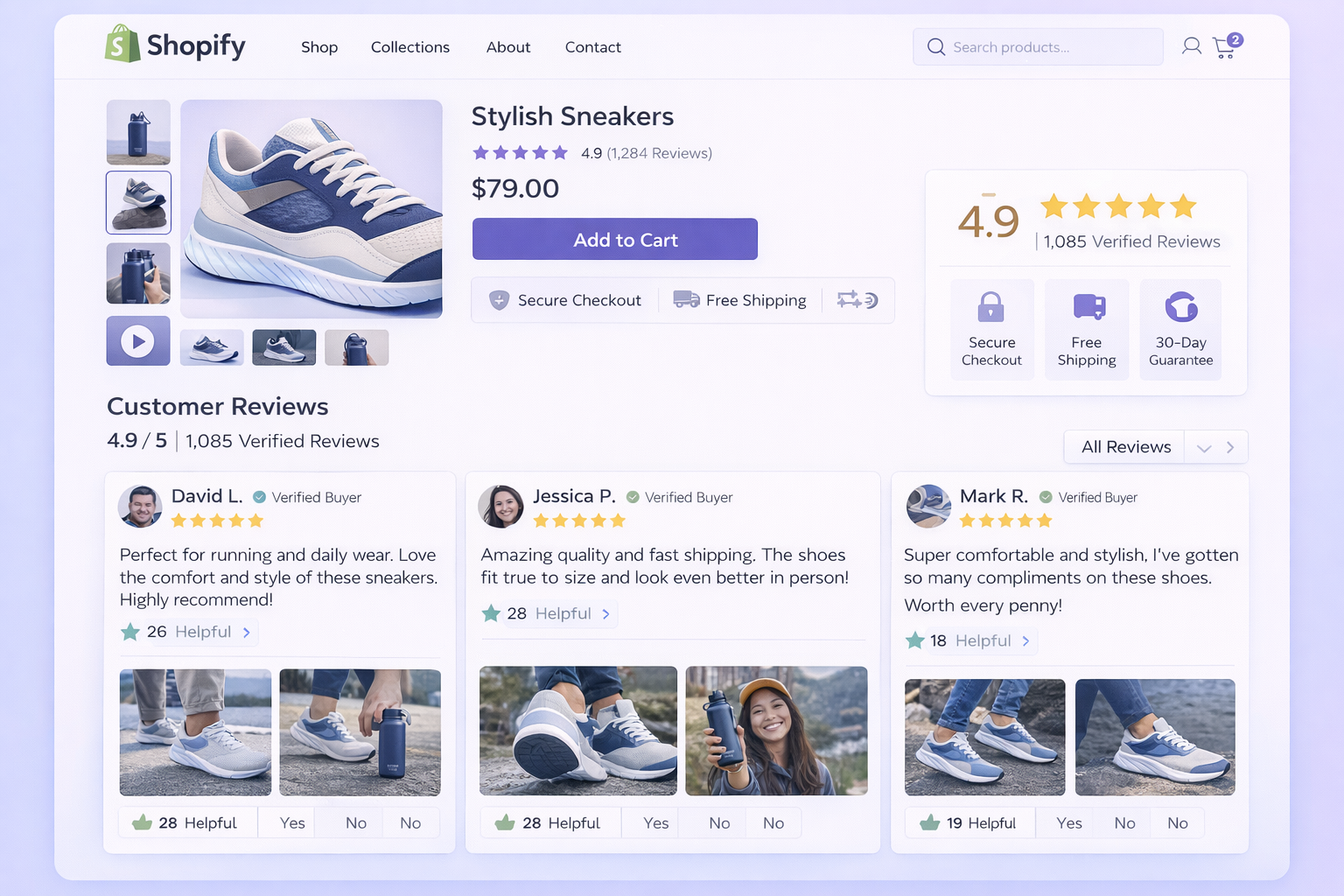
93% of shoppers look for customer reviews before making a purchase. Visitors who interact with reviews and UGC convert at 102.4% higher than those who don’t. Those numbers come from studies across millions of ecommerce sessions: they’re not soft data points.
Judge.me is the app I recommend most for review collection and display on Shopify. It has a generous free plan, automated review request emails, photo and video review support, and clean display widgets that work with almost every theme.
What makes it stand out over Yotpo (which is also solid but far more expensive) is the ROI calculation at lower revenue levels. At $15/month, a store doing $10K/month in revenue that gains a 15% lift from reviews earns back 100x the cost of the app.
The key is not just collecting reviews. It’s placing them strategically:
- Product page: directly under the product title, before the description
- Homepage: a rotating testimonial strip from top-rated reviews
- Cart page: 1-2 star reviews near the checkout button to reduce hesitation
- Email sequences: use review snippets in abandoned cart recovery flows
One thing I always tell store owners: reviews are not a “set it and forget it” feature. The freshness of your reviews matters. Stale reviews from 18 months ago feel like a dead store. Keep sending review requests and rotating new feedback into your display.
#3. ReConvert: Post-Purchase Upsell & Thank You Pages
- Category: Upsell & Average Order Value
- Pricing: Free plan available. Paid from $4.99/month
- Best For: Stores wanting to increase revenue from existing buyers
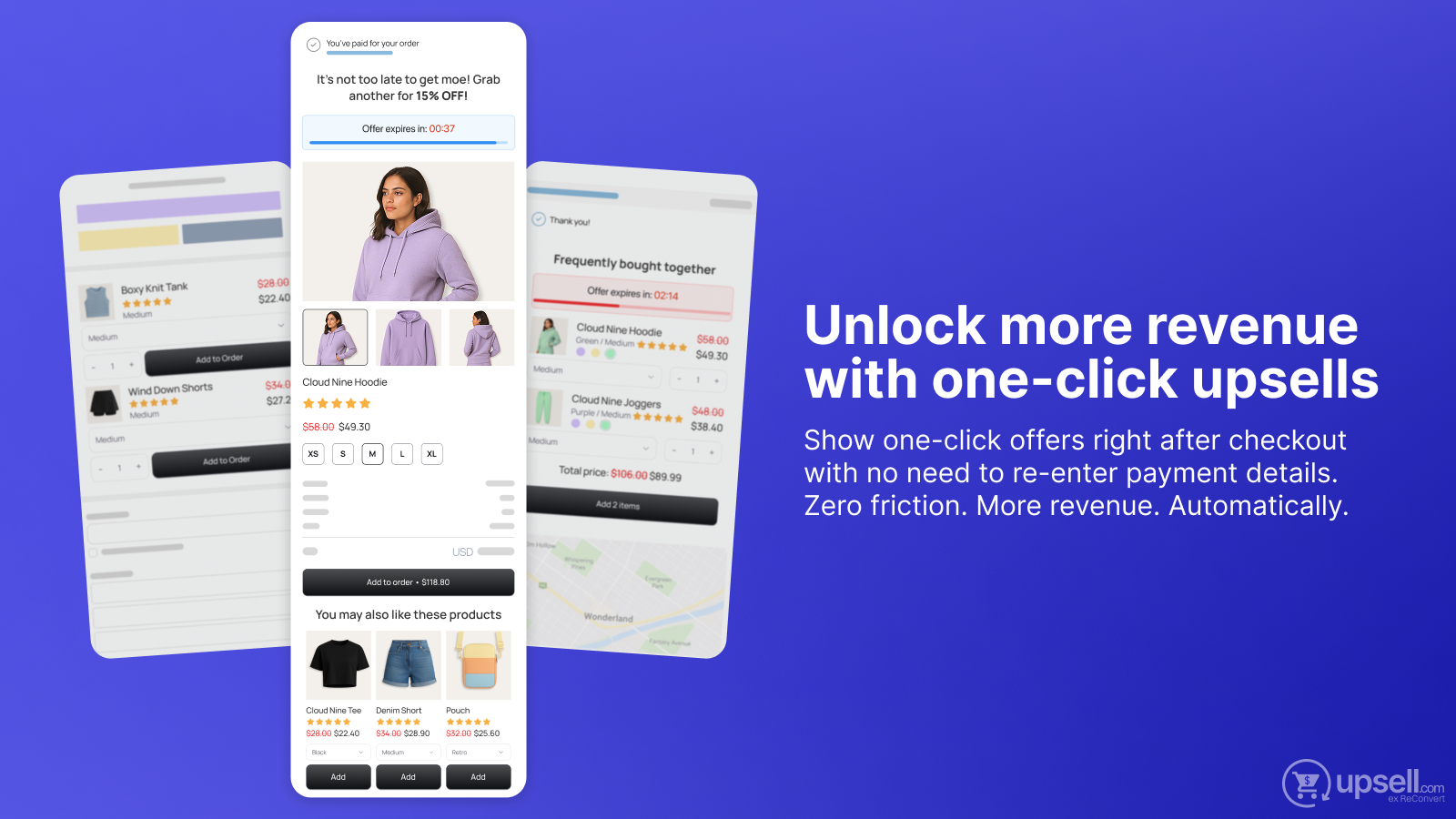
If I’m being honest, thank you pages are the most underused real estate in Shopify. Someone just bought from you. They’re at peak trust. And most stores show them a generic “thanks for your order” message and send them away.
ReConvert turns your thank you page into a revenue driver. It lets you build custom post-purchase flows with one-click upsells, product bundles, countdown timers, and personalized recommendations: right after checkout, when the customer is most likely to buy again.
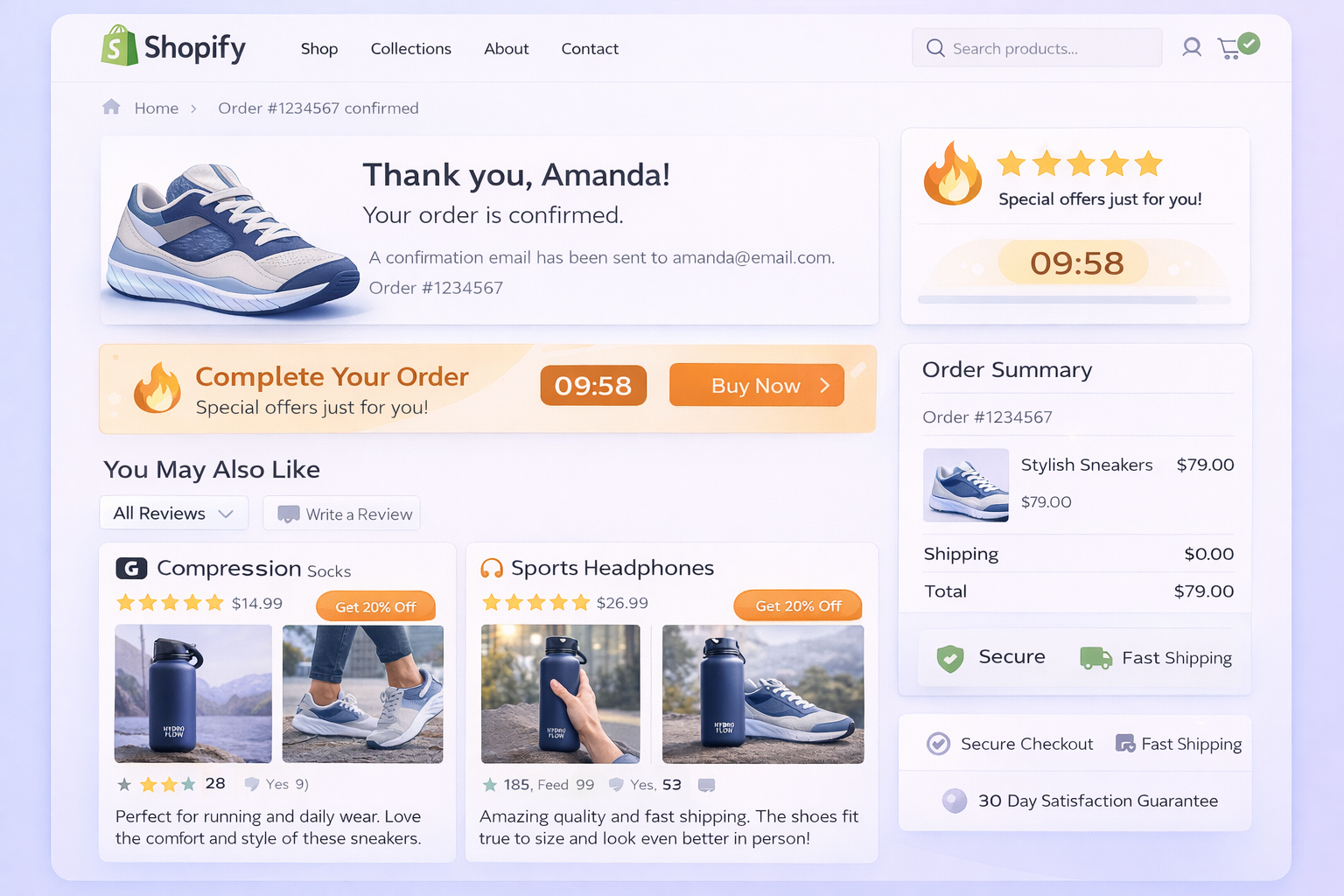
Product bundles increase AOV by an average of 30% per transaction according to Harvard Business Review research. Post-purchase upsell flows are the highest-conversion moment to offer that bundle.
The key setup moves I always make with ReConvert:
- Offer a complementary product at 15-20% off, showing “complete the set” messaging
- Add a countdown timer showing the offer expires in 10 minutes
- Use their drag-and-drop editor to add a review request block at the bottom
- A/B test two different upsell products to find your highest-converting match
The app also handles pre-purchase cross-sells on the product page, so it covers multiple points in the funnel.
#4. OptiMonk: Popups & Exit-Intent Capture
- Category: Popup & Email Capture
- Pricing: Free plan available. Paid from $39/month
- Best For: Stores with traffic but low email capture and high exit rates
Cart abandonment hovers around 70% across ecommerce. That’s 7 out of 10 shoppers leaving without buying. The question is: are you doing anything to recover them before they leave?
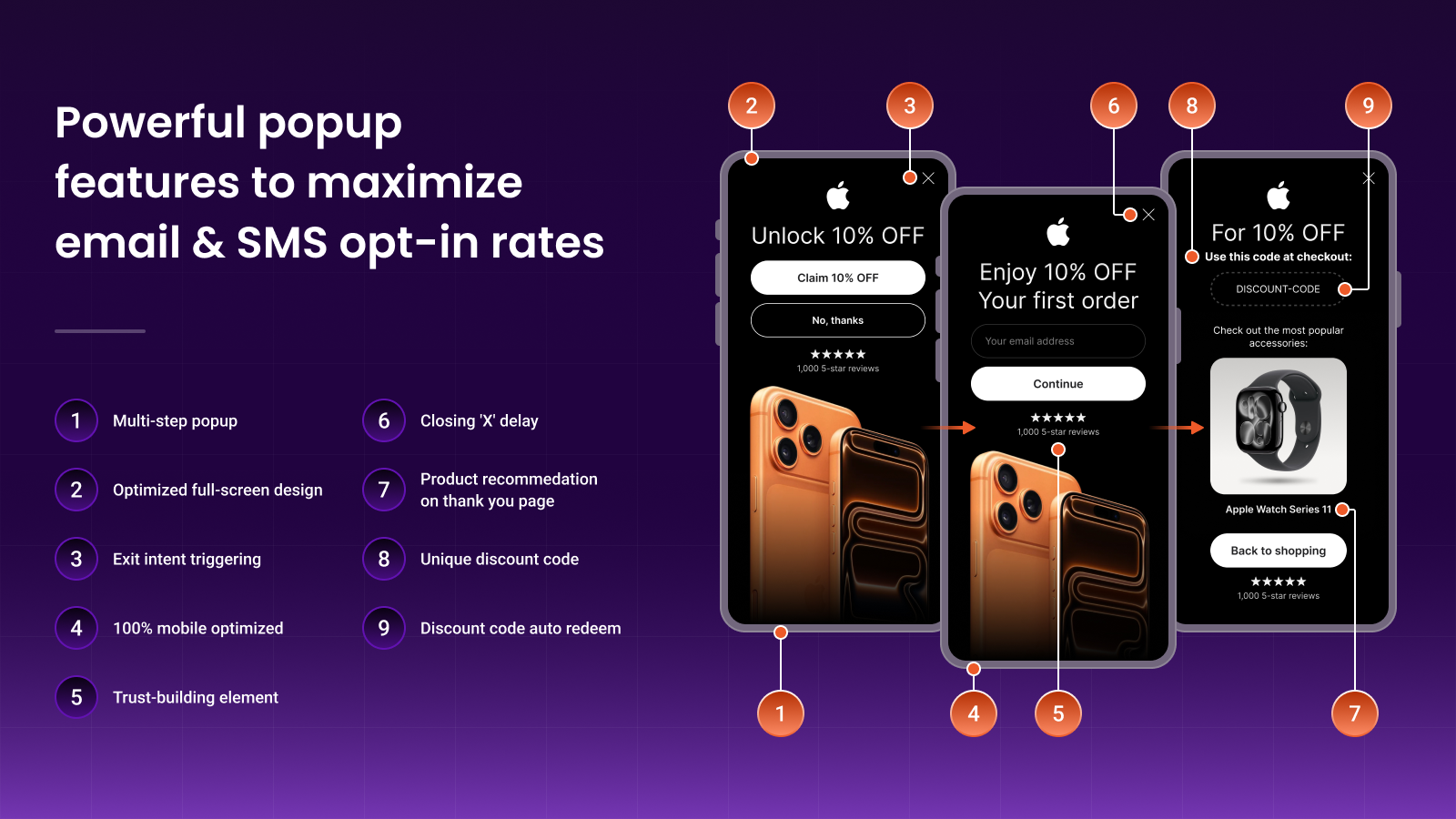
OptiMonk is the best popup tool I’ve used for Shopify. It’s AI-driven, so it can generate on-brand popups automatically, and the targeting options go deep: exit-intent triggers, scroll depth triggers, time on page, cart value thresholds, and more.
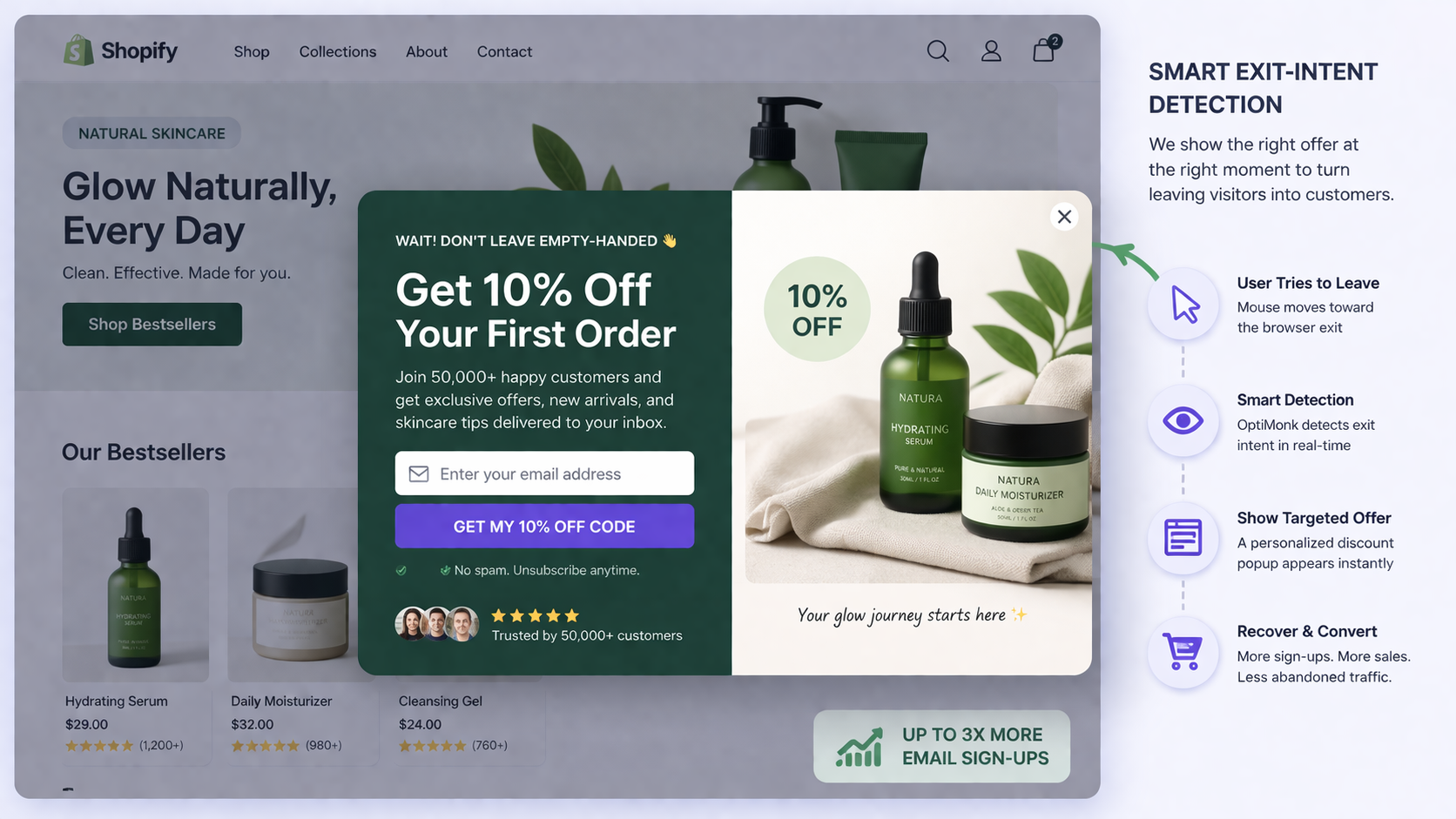
The statistic that always sticks with me: scroll-triggered popups at 50% scroll depth convert 30-40% better than basic time-delay popups. That means context matters. Someone who has read half your page is a warmer lead than someone who landed 3 seconds ago.
What I set up on most stores using OptiMonk:
- Exit-intent popup: 10% discount for email capture on the first exit attempt
- Cart abandonment popup: free shipping reminder when cart value hits $50+
- Back-in-stock popup: for out-of-stock products, capture leads for restock alerts
- Post-purchase popup: invite buyers into a loyalty or referral program
One caution: popups only work as part of a broader strategy. If you build your email list with OptiMonk but never send good emails, you’re just collecting addresses. Pair it with Klaviyo for full impact.
#5. Lucky Orange: Behavior Analytics & Heatmaps
- Category: Analytics & Behavior Analytics
- Pricing: Free plan available. Paid from $19/month
- Best For: Stores that want to understand why visitors are not converting
Here’s the thing about conversion optimization: you cannot fix what you cannot see.
Most store owners look at their Shopify analytics dashboard, see a 1.4% conversion rate, and then start guessing at solutions. They add an upsell app, tweak their copy, change their CTA color. None of it is based on actual user behavior data.
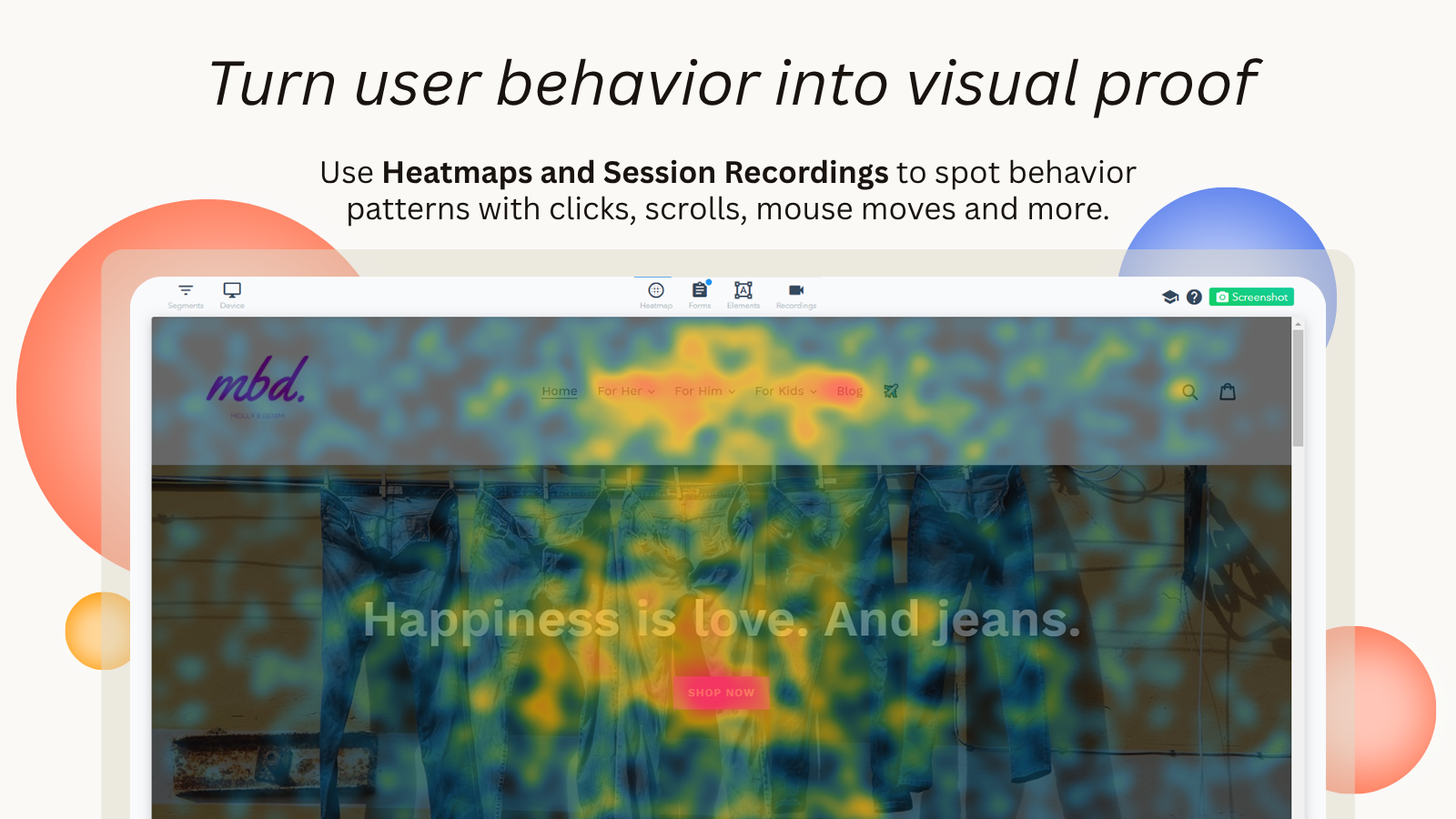
Lucky Orange shows you what is actually happening. Session recordings let you watch real visitors navigate your store: where they click, where they hesitate, where they rage-click in frustration, and where they leave. Heatmaps show you the aggregate picture: which parts of your pages get attention and which are invisible to most visitors.
I’ve seen stores discover critical problems this way that no amount of guessing would have found:
- A non-clickable product image that 40% of visitors were clicking on, expecting a zoom
- A checkout button on mobile that was sitting below the fold on certain Android screens
- A size guide popup that was covering the add-to-cart button on iOS
Fix those friction points before you install another upsell app. The base needs to work before the optimizations layer on top.
#6. Tiny Image Optimizer: Page Speed & Image Optimization
- Category: Page Speed & Performance
- Pricing: Free plan available. Paid from $9.99/month
- Best For: Stores with unoptimized product photos and slow load times
Speed is the foundation of conversion. A one-second improvement in mobile page load time increases conversions by approximately 7% according to Google and Deloitte research. Improving page speed from 8 seconds to 2 seconds can increase mobile conversions by up to 74%.
The average Shopify store scores 35-55 out of 100 on Google PageSpeed for mobile. That’s a significant drag on conversions: especially since 65-70% of Shopify traffic comes from mobile devices.
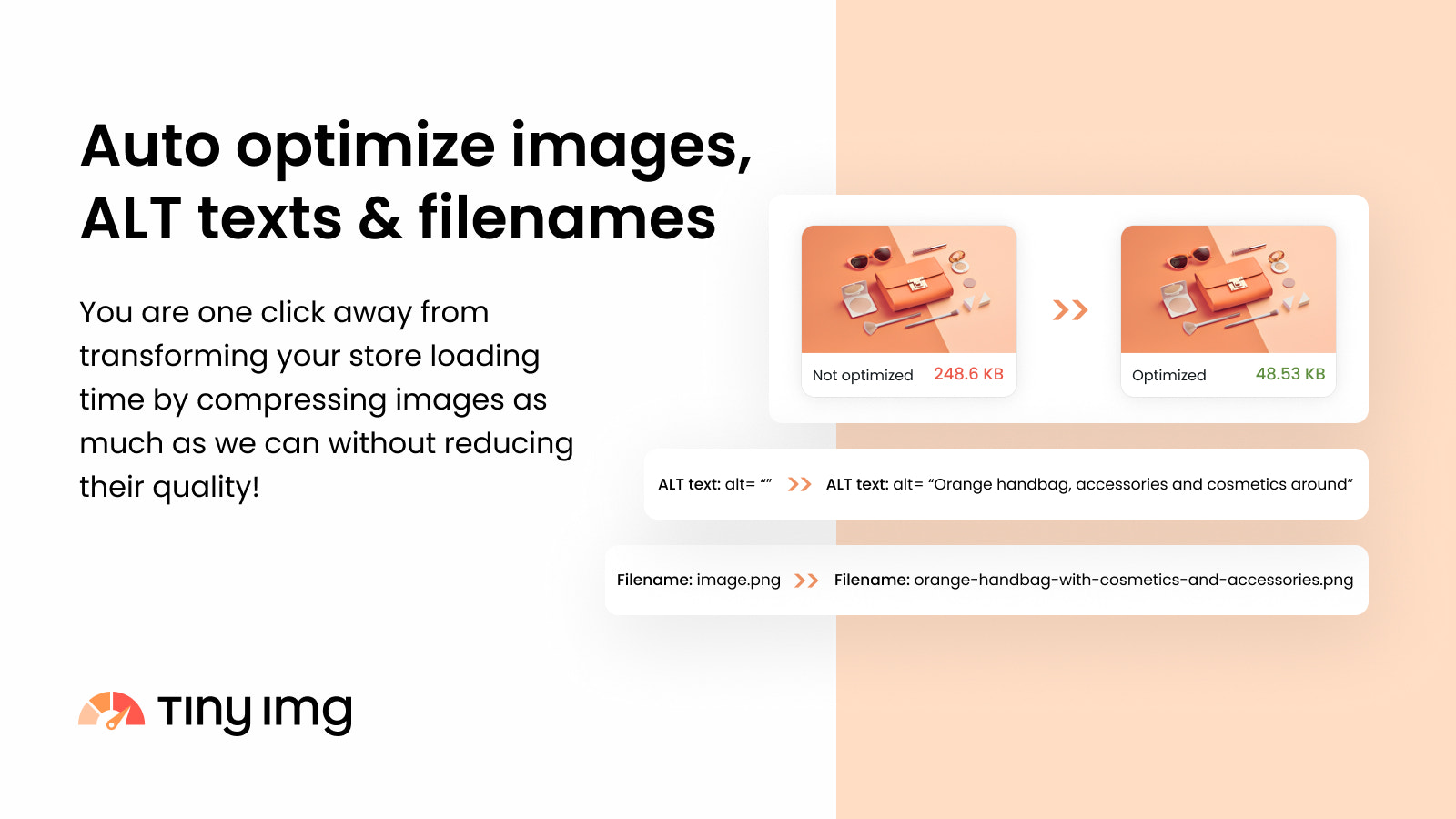
Image bloat is the number one cause of slow Shopify stores. Most merchants upload uncompressed product photos that are 2-5MB each. Tiny Image Optimizer compresses these to 100-300KB without visible quality loss, converting them to WebP/AVIF formats and lazy-loading off-screen images.
The install-and-forget nature of Tiny Image Optimizer is what I like most. You set it up once, and it handles new uploads automatically going forward.
#7. Klaviyo: Email Marketing & Abandoned Cart Recovery
- Category: Email & SMS Marketing
- Pricing: Free up to 500 contacts. Paid from $20/month
- Best For: Stores serious about revenue from email and SMS flows
Email traffic converts at 4-5% on average, the highest rate of any traffic channel according to research compiled by DTCPages. Paid social converts at 1-2%. Organic social at under 1%.
That gap tells you exactly where to focus your retention efforts.
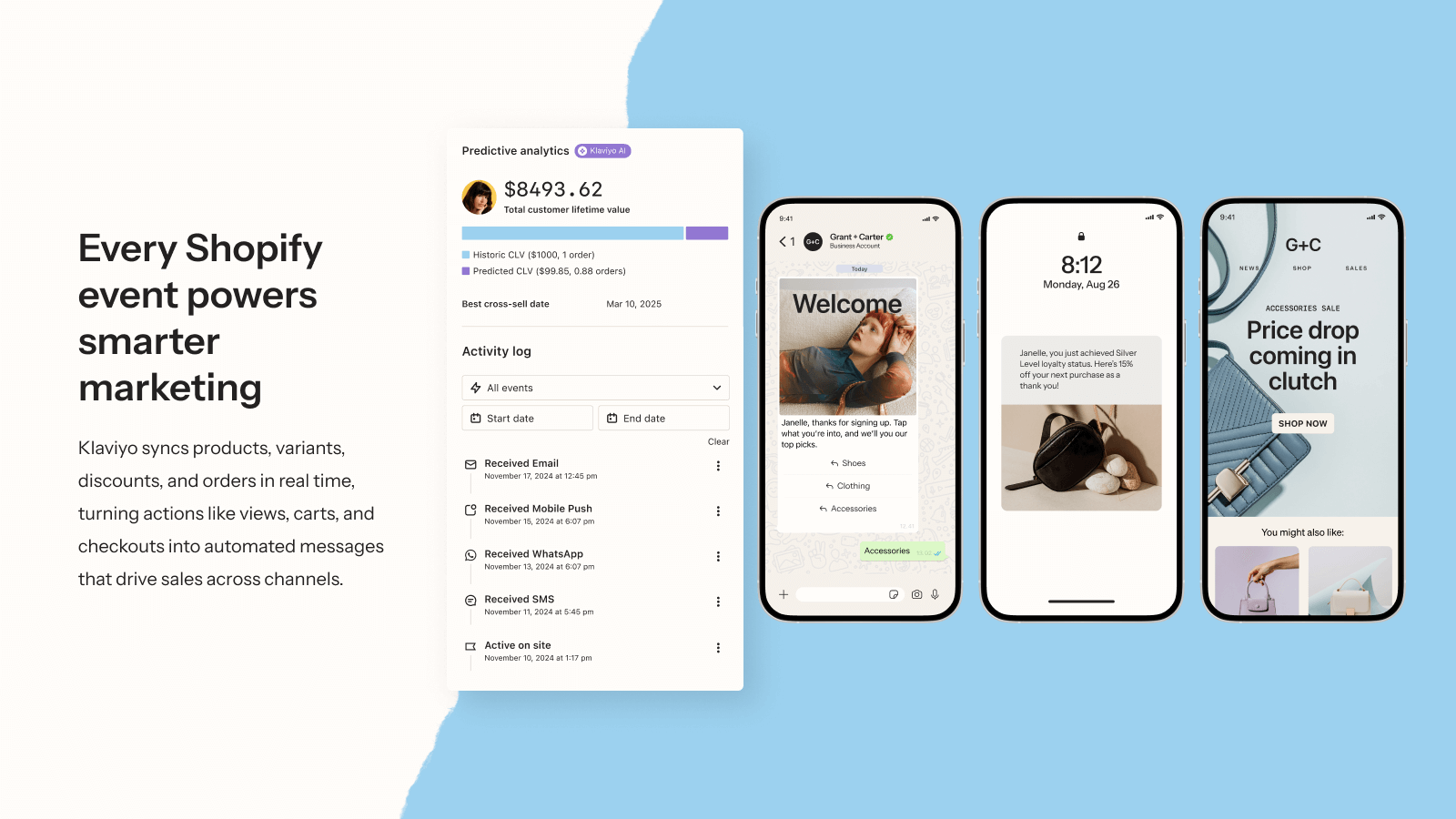
Klaviyo is the email and SMS platform I recommend for almost every Shopify store above $5K/month in revenue. It integrates deeply with Shopify data, so you can build flows triggered by real behavior: abandoned carts, product views, purchase history, and browsing patterns.
The flows that move the most revenue:
- Abandoned cart series (3 emails over 48 hours, first email at 1 hour)
- Browse abandonment (triggered when someone views a product 3+ times without buying)
- Post-purchase sequence (upsell on day 3, review request on day 10)
- Win-back campaign (90+ day lapsed customers with a strong offer)
Abandoned cart email open rates run 40-45%, the highest of any email type. That first email sent within an hour of abandonment is consistently the highest-converting single touchpoint most stores have.
Shopify Conversion App Comparison Table
Here is a full breakdown of every app covered in this guide, with category, pricing, and what problem each solves.
| # | App | Category | Free Plan | Starting Price | Best For |
|---|---|---|---|---|---|
| 1 | EmbedAny | Content & Social Proof | Yes | $8.70/mo | Rich media, video UGC, embedded reviews |
| 2 | Judge.me | Reviews | Yes | $15/mo | Review collection and display |
| 3 | ReConvert | Post-Purchase Upsell | Yes | $4.99/mo | Upsells, AOV, thank-you page optimization |
| 4 | OptiMonk | Popups & Email Capture | Yes | $39/mo | Exit-intent, lead capture, cart recovery |
| 5 | Lucky Orange | Analytics | Yes | $19/mo | Session replay, heatmaps, funnel analysis |
| 6 | Tiny Image Optimizer | Page Speed | Yes | $9.99/mo | Image compression, WebP conversion |
| 7 | Klaviyo | Email & SMS | Yes | $20/mo | Abandoned cart flows, email sequences |
Which Apps Should You Install First?
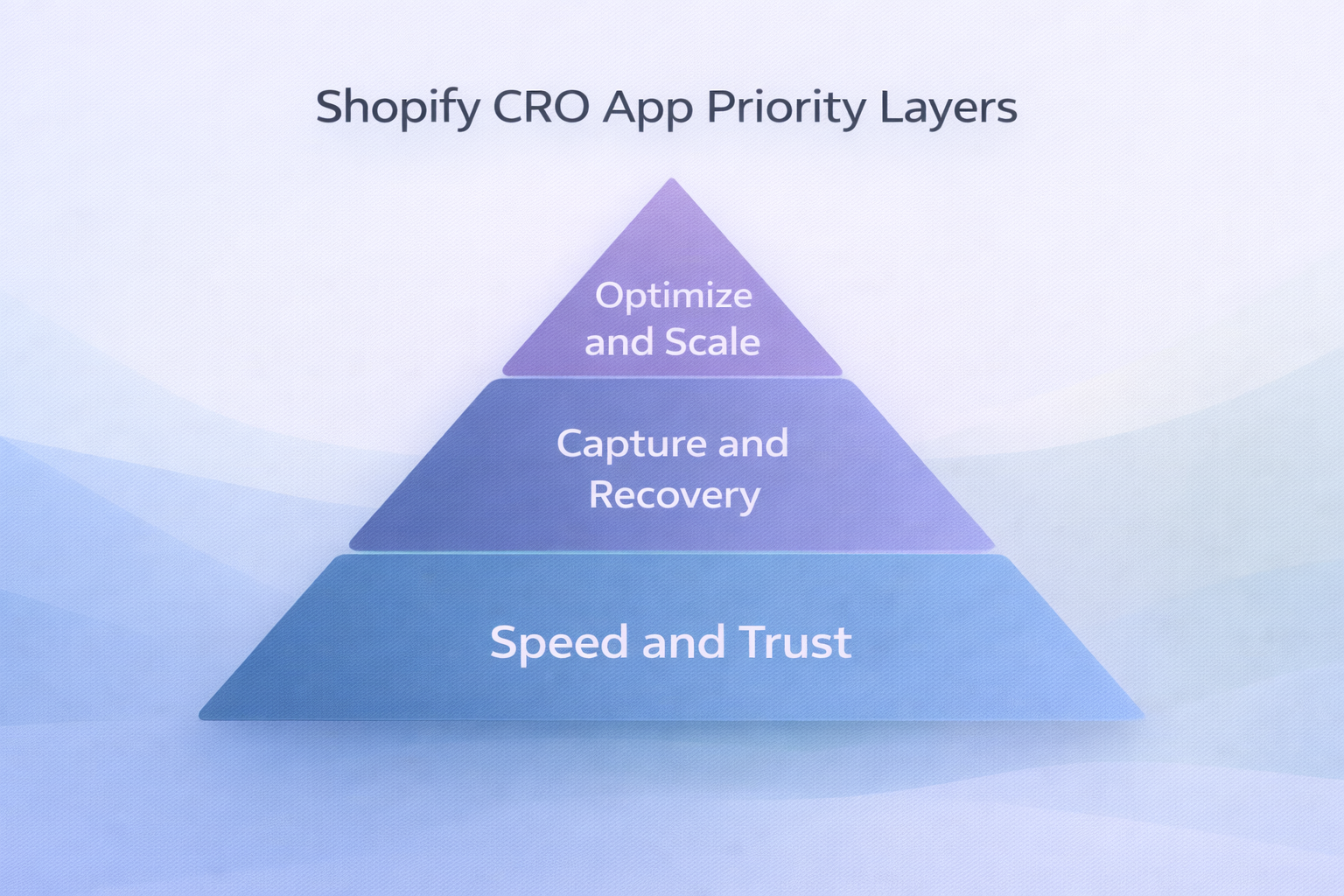
The order of installation matters more than most merchants realize.
Start with the foundation before you optimize the details. Here is how I’d sequence these installs:
Layer 1: Fix what’s broken first:
Get Tiny Image Optimizer and Lucky Orange first. Speed and visibility. You need to know what’s killing your conversion before you try to fix it. Tiny Image Optimizer is set and forget. Lucky Orange gives you real data within the first week.
Layer 2: Add trust and capture:
Install EmbedAny and Judge.me together. Embed customer videos and review widgets on your product pages. These two work as a pair: Judge.me collects the text reviews, EmbedAny lets you pull in video testimonials and external review platforms like TrustPilot or Google Reviews: by just pasting a link.
You can learn more about how to use embedded social proof in our guide on how to add social proof to Shopify.
Layer 3: Capture and recover:
Add OptiMonk and Klaviyo. Once your pages convert at a healthy baseline, you need to capture the leads who leave and recover the carts that abandon. These two handle that entire loop.
Layer 4: Maximize revenue:
ReConvert comes last because it works best on stores already converting at 2%+. If your base conversion rate is broken, post-purchase upsells are rounding the margins on a leaking ship.
Shopify Conversion Rate Benchmarks (2026)
Before you judge your own numbers, here is what the data actually says about where stores stand:
| Performance Tier | Conversion Rate | Notes |
|---|---|---|
| Below average | Under 1% | Fundamental issues: speed, trust, or traffic quality |
| Average Shopify store | 1.4% | Median across all stores including unoptimized |
| Good | 2% to 3.2% | Top 40% of stores |
| Strong | 3.2% to 4.7% | Top 20% of stores |
| Elite | 4.7%+ | Top 10% of stores |
Data sourced from DTCPages 2026 Shopify conversion benchmarks and Littledata’s analysis of 2,800+ stores.
The benchmark most worth chasing is not the average: it’s the top 20%. A 3.2% conversion rate means roughly $32,000 in revenue for every 1,000 visitors. At the average 1.4%, that same traffic generates $14,000. The gap is your optimization opportunity.
Common Mistakes That Kill Conversion (And Which Apps Fix Them)
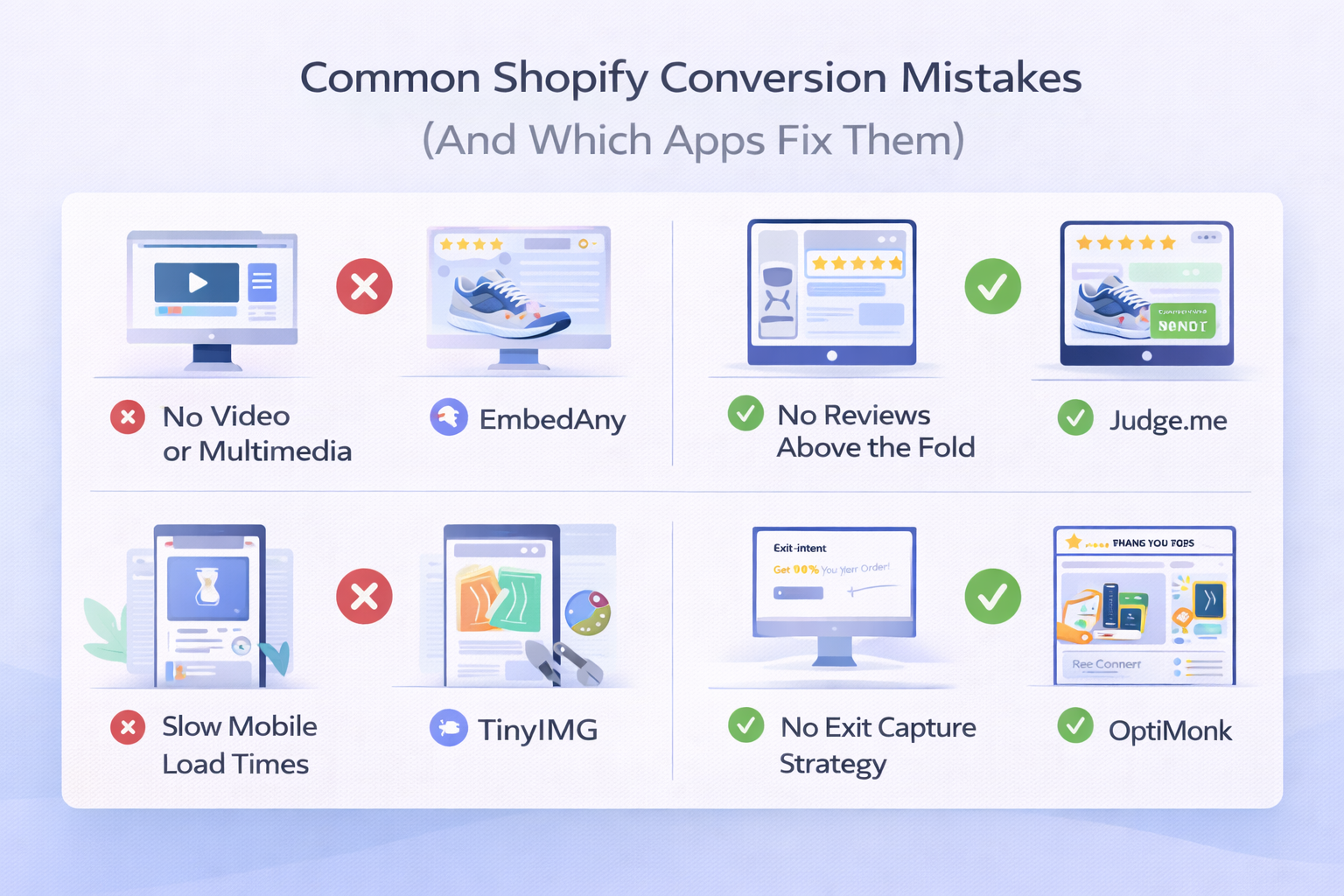
In my experience, most Shopify stores fail at conversion for the same reasons:
Mistake 1: No video or multimedia on product pages. Static images do not convert like video. A product demo or customer review video tells the story that a photo cannot. Fix: Use EmbedAny to paste in YouTube demos, TikTok reviews, or Instagram reels directly on your product pages.
Mistake 2: No reviews above the fold. Most stores show reviews at the bottom of the product page, below the fold. By the time a visitor scrolls there, they’ve already decided. Fix: Move your review widget directly under the product title using Judge.me’s display customization.
Mistake 3: Slow mobile load times. 65-70% of Shopify traffic is mobile. If your mobile page score is below 50, every other optimization is being undermined by the time it takes to load. Fix: Tiny Image Optimizer handles image compression automatically. Combine with a fast, lightweight theme.
Mistake 4: No exit capture strategy. You’re paying for that traffic. When someone leaves without buying, losing that lead permanently is an expensive mistake. Fix: OptiMonk’s exit-intent popup recovers 1-3% of abandoning visitors with a well-timed offer.
Mistake 5: Ignoring the thank-you page. The customer just bought. They trust you. And most stores send them to a default “thanks” page and move on. Fix: ReConvert turns that page into a revenue touchpoint with upsell offers while purchase intent is still high.
Final Thoughts: Build a Targeted Stack, Not a Bloated One
Getting from 1.4% to 3.5% does not require 20 apps. It requires the right 5 to 7, installed in the right order, each solving a specific diagnosed problem.
If I were starting a new Shopify store today, here is my minimum viable conversion stack:
- EmbedAny: to add video content and embedded reviews from day one
- Tiny Image Optimizer: to keep speed fast as the product catalog grows
- Judge.me: to collect and display real customer reviews
- Klaviyo: to recover abandoned carts and build repeat revenue
That stack costs under $50/month, covers trust, speed, social proof, and recovery: and outperforms what most stores are doing with a far larger app collection.
For more on embedding social content and reviews in Shopify, check out our guide on how to embed Instagram feed in Shopify and how to embed YouTube videos in Shopify.
FAQs
what is a good conversion rate for a shopify store
A good conversion rate for Shopify is between 2% and 3.2% for most stores. Stores above 3.2% are in the top 20%. Most merchants see a baseline of around 1.4%, so even modest optimization can significantly move your numbers.
which shopify app increases conversion rate the most
The answer depends on your biggest bottleneck. If your product pages lack social proof, a review app or content embedding tool like EmbedAny will move the needle most. If traffic is leaving without converting, an exit-intent popup app like OptiMonk will have the highest impact. Diagnose first, then install.
is embedany good for shopify conversion
Yes. EmbedAny is one of the most practical tools for conversion because it lets you add video testimonials, TrustPilot reviews, Instagram reels, and Google reviews to your product pages without any code. Rich media and social proof are two of the highest-impact conversion levers for Shopify stores.
do shopify apps slow down my store
Yes, they can. Every app adds JavaScript that loads on your pages. The fix is to install apps selectively, test page speed before and after each install, and remove apps that hurt performance more than they help conversion.
what is the best shopify app for social proof
For review collection and display, Judge.me is the most cost-effective option. For embedding external social proof like TrustPilot, Google Reviews, or customer video content, EmbedAny is the quickest no-code solution: you just paste the link and it renders as a live widget.
how do i increase my shopify conversion rate without spending on ads
Focus on what happens after people land on your store. Add video content and embedded reviews using EmbedAny. Collect more product reviews with Judge.me. Compress images for faster load times with Tiny Image Optimizer. Build an email list with OptiMonk. These changes improve conversion from existing traffic without increasing ad spend.
what shopify apps are built for shopify certified
Built for Shopify is a badge Shopify gives to apps that meet strict performance, design, and integration standards. EmbedAny is one of the apps that carries this certification. When choosing apps, prioritizing Built for Shopify apps reduces the risk of theme conflicts and performance issues.
should i use multiple review apps on shopify
No. Multiple review apps can conflict with each other and create a messy experience on your product pages. Pick one review platform (Judge.me or Yotpo) and combine it with a content embedding tool like EmbedAny for richer social proof, including video and external platform reviews.
what is the average cart abandonment rate on shopify
The average cart abandonment rate across ecommerce is 70.19%, according to Baymard Institute. Mobile cart abandonment runs even higher at 75-85%. Exit-intent popups and abandoned cart email flows are the two most direct ways to recover a portion of those lost sales.
how many shopify apps do i need to improve conversion
You do not need many. A well-chosen stack of 4 to 7 apps covering speed, social proof, email capture, and recovery typically outperforms a bloated 20-app setup. More apps mean more JavaScript, more potential conflicts, and slower load times. Focus on covering your actual conversion gaps, not collecting features.