
10 Best GemPages Alternatives for Shopify in 2026 (Free & Paid)
GemPages is one of the most capable page builders on Shopify. It’s also not right for every store.
I’ve worked with merchants who signed up for GemPages and loved it. I’ve also worked with merchants who found the editor heavy, the pricing steep at scale, and the pages slower than they’d like once live traffic started hitting them. Both groups are right. GemPages is a genuinely good tool with a specific set of tradeoffs, and those tradeoffs matter depending on what stage your store is at.
If you’re looking for something lighter, cheaper, more design-forward, or built for a different workflow entirely, this guide is for you. Below are 10 of the best GemPages alternatives for Shopify in 2026, ranked with honest notes on what each one does well and where it falls short.
Why Merchants Look for GemPages Alternatives
Before the list, it helps to name what actually drives people away from GemPages. Not because it’s a bad tool, but because knowing the real reasons helps you pick the right replacement.
Page speed impact. GemPages runs outside of the Shopify Theme Editor and injects its own scripts at render time. Depending on page complexity, this can add measurable load time. For stores running paid traffic where every second of delay affects ad Quality Scores and conversion rates, that matters.
Pricing at scale. The free plan covers one page. The paid plans go from $29/month for the Build tier up to $199/month for the Enterprise tier. For a store doing $15K/month in revenue, spending $99/month on a page builder is significant overhead.
Editor runs outside Shopify. GemPages has its own editing environment separate from the native Shopify Theme Editor. Most merchants get used to it, but those who prefer working inside Shopify’s standard interface find it adds friction.
Vendor lock-in. Pages built in GemPages depend on the app. Remove the app and your pages break. For merchants who want portable, theme-native code, that dependency is a dealbreaker.
If any of those resonate, here’s where to look next.
1. Canvify: Best for Canva Users and Brand-Forward Stores
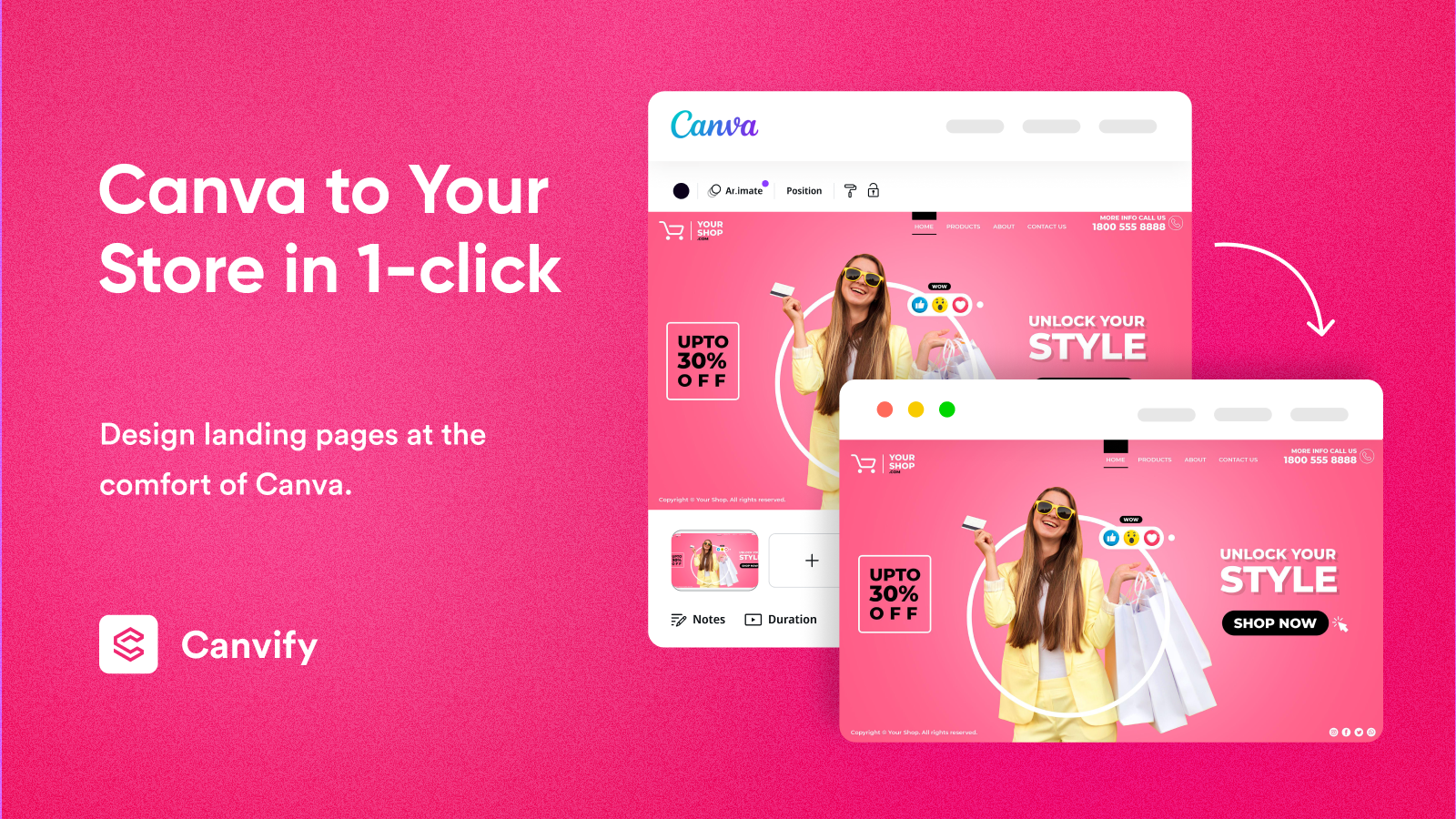
Website: canvify.app Shopify App Store: apps.shopify.com/canvify Pricing: $8.70/month (single flat plan, 14-day free trial) Built for Shopify: Yes
Canvify takes the most different approach of any tool on this list. It doesn’t try to compete with GemPages on feature depth. Instead it sidesteps the problem entirely: you design your pages in Canva, using tools you already know, and Canvify imports that design into Shopify as a native page.
The workflow is simple. Build your page in Canva, using any of its templates, AI features, animations, video, brand kits, or stock assets, copy the share link, paste it into Canvify, and it becomes a live Shopify page. Mobile-responsive. SEO-indexed. No iframe dependency. No exporting. No reformatting.
For merchants who are already spending time in Canva producing social content, email graphics, or campaign visuals, this is a natural extension. There’s no new editor to learn, no grid system to fight with, and no layout logic to reverse-engineer. You stay in a tool you already understand.
What makes Canvify stand out against GemPages specifically:
- No learning curve at all if you already use Canva. The skill transfer is immediate.
- Flat pricing with no tiers. $8.70/month covers unlimited pages with no feature gating. GemPages charges $199/month for its top plan.
- Native Shopify pages. Content lives as a real Shopify page, not an app-dependent overlay. It’s indexed by search engines and loads like any other page on your store.
- Keeps all Canva features after import. Animations, video embeds, hover effects, and interactive links are all preserved.
- Works with any Shopify theme, with particularly smooth integration on minimal themes like Dawn.
The honest limitation: Canvify is not a full ecommerce page builder in the way GemPages is. It doesn’t have dynamic product grids, native add-to-cart block logic, or built-in A/B testing. What it does exceptionally well is brand and marketing pages: campaign landing pages, homepage sections, about pages, seasonal promotions, and any content-forward design where Canva’s creative range outperforms what a column-and-row editor can produce.
For those use cases, which cover the majority of pages most merchants actually need, Canvify is the most practical and affordable tool on this list. And at $8.70/month with no tiers, it’s not close.
| Feature | Canvify |
|---|---|
| Design interface | Canva (no new tool to learn) |
| Page output | Native Shopify pages |
| Mobile responsive | Yes |
| SEO friendly | Yes |
| Animations and video | Yes (from Canva) |
| A/B testing | No |
| Built for Shopify badge | Yes |
| Pricing | $8.70/month flat |
| Free trial | 14 days |
2. PageFly: Best All-Round GemPages Competitor
Pricing: Free (1 published page). Paid from $24/month. Shopify App Store rating: 4.9/5 (11,900+ reviews) Built for Shopify: Yes
PageFly is the most direct GemPages competitor and the most-reviewed page builder on the Shopify App Store. If you’re switching from GemPages and want a like-for-like feature set without changing how you work, PageFly is the natural first stop.
It covers every page type, landing pages, product pages, collection pages, blog posts, homepages, and custom page types, with a drag-and-drop editor, 450+ templates, Google Analytics integration, and an SEO audit tool built in. A/B testing is available on higher plans.
The key differences from GemPages: PageFly is Built for Shopify certified (GemPages is not), which matters for merchants who care about integration standards. PageFly also edits natively within Shopify’s environment rather than in a separate app dashboard, which reduces the context-switching that some merchants find disorienting in GemPages.
The tradeoff is that PageFly’s grid-based editor gives you less free-form design flexibility than GemPages’s more open canvas. If pixel-perfect layout control is your priority, GemPages actually wins on design freedom. If you want a reliable, well-integrated builder with an enormous community and template library, PageFly is the stronger choice.
3. Shogun: Best for Enterprise Teams and A/B Testing

Pricing: From $39/month (free trial available) Shopify App Store rating: 4.7/5 (3,000+ reviews)
Shogun targets scaling Shopify brands that need built-in A/B testing, content scheduling, personalization, and detailed analytics alongside their page building, not as add-ons, but as core features.
The editor is solid, with a wide component library, reusable content sections, and clean compatibility with Shopify OS 2.0 themes. Where Shogun pulls ahead of GemPages is in its data layer: you get click-through rate tracking, conversion rate tracking per page, and built-in experimentation tools that GemPages doesn’t natively match at the same tier.
Where Shogun falls short is price. For smaller stores, the cost structure doesn’t work. A/B testing only becomes meaningful when you have the traffic volume to reach statistical significance, and the monthly fees reflect that enterprise positioning. For stores doing $50K+/month with a team managing multiple active campaigns, Shogun earns its price. For stores below that threshold, the feature set outpaces the need.
4. EComposer: Best for Beginners Getting Started Fast
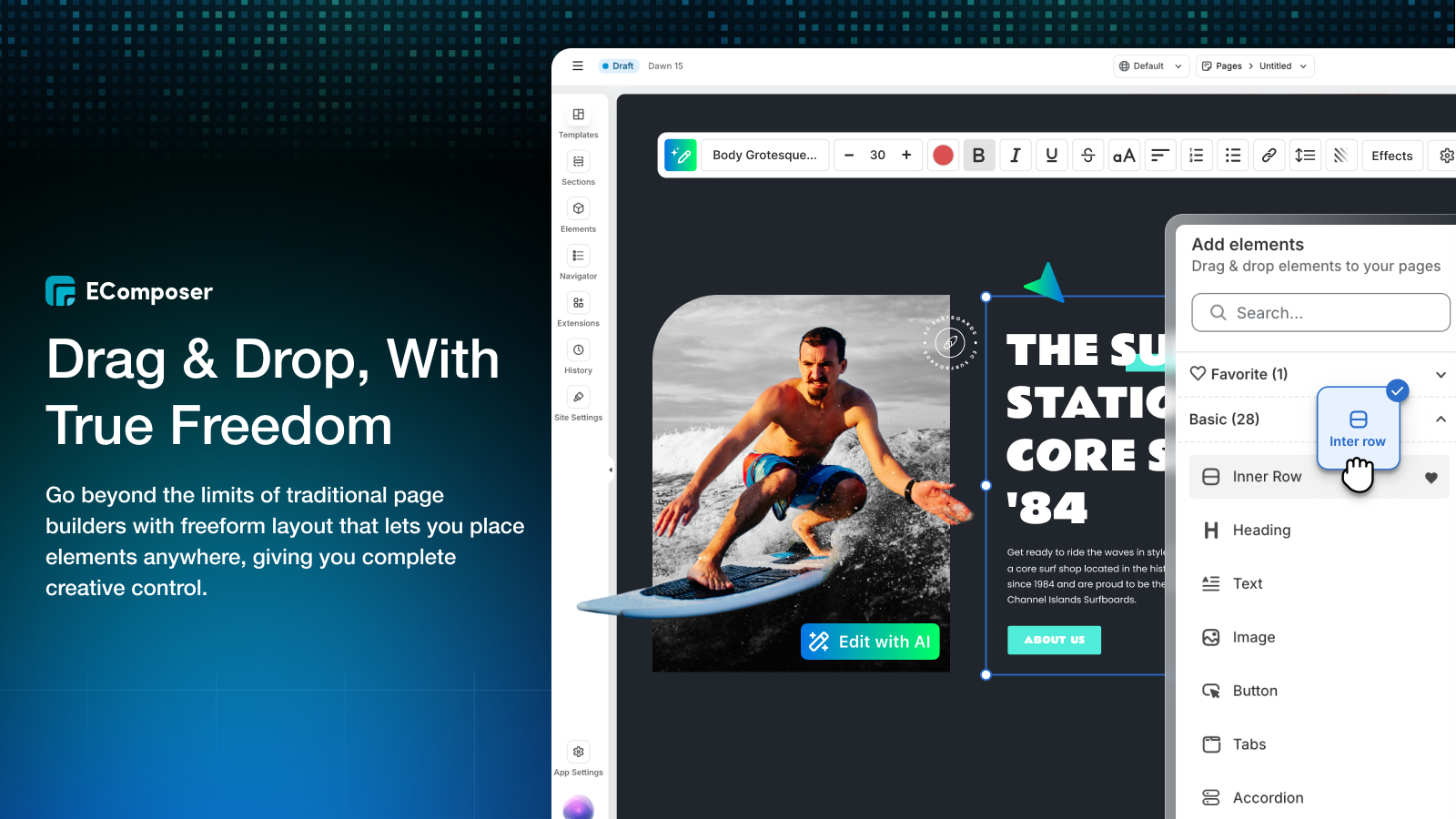
Pricing: Free plan available. Paid from $19/month. Shopify App Store rating: 4.9/5 (5,000+ reviews)
EComposer consistently earns the highest marks for ease of use among all Shopify page builders. Its setup is guided, the editor interface is familiar to anyone who has used the Shopify admin, and the AI content generator writes product descriptions, section headings, and call-to-action copy inside the builder as you work.
For merchants new to page building who want to get a landing page live without a steep learning curve, EComposer removes most of the friction. A first page can be published within an hour of installing. The built-in SEO audit tool flags issues before you go live, which helps merchants who aren’t deeply technical avoid common mistakes.
At $19/month for the entry paid plan, EComposer is more affordable than GemPages at equivalent feature levels. The template library runs around 300 designs with over 1,000 section options. Advanced merchants who need granular layout control or deep funnel logic will eventually hit a ceiling, but for stores in their first 12-18 months, EComposer is one of the cleanest starting points available.
5. Instant: Best for Figma Teams and Clean Code Output
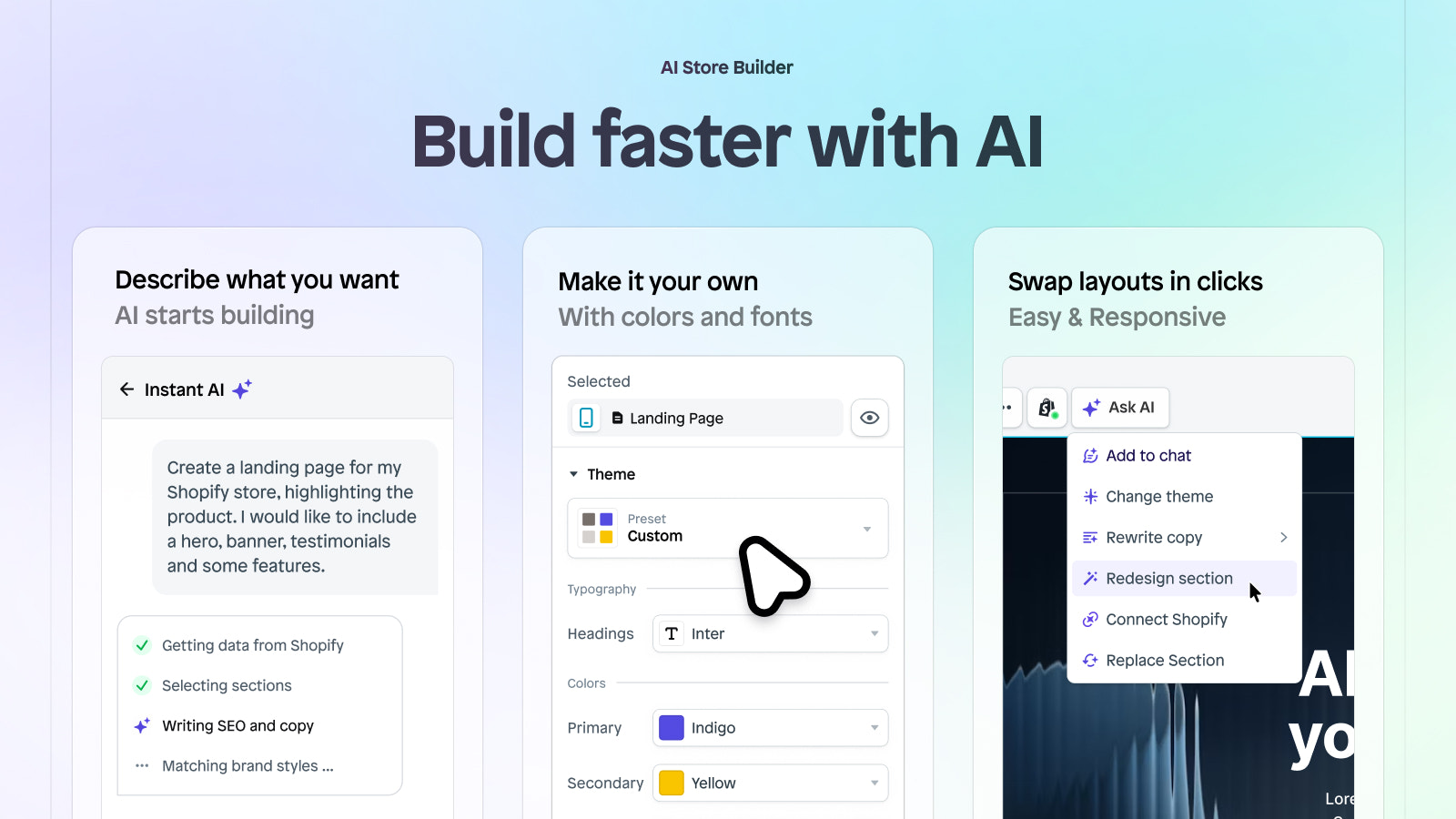
Pricing: Free (1 page). Paid from $39/month. Shopify App Store rating: 4.9/5 (300+ reviews)
Instant’s technical approach is distinct from every other builder on this list. When you publish a page with Instant, it outputs native Shopify Liquid code. Not a JavaScript overlay. Not an app-dependent block. Clean, portable Liquid that lives in your theme like any standard section.
That means pages remain editable in the Shopify Theme Editor after publishing, an advantage most merchants don’t realize they want until they need it. It also means Instant pages are as fast as pages built in a custom theme, because there’s no app rendering layer adding weight at load time.
The Figma-to-Shopify plugin is the other standout feature. If your team designs in Figma before building on Shopify, Instant removes the gap between mockup and live page. No other builder on this list handles that workflow as natively.
Paid plans jump quickly in price compared to some alternatives, and the smaller review count means it’s less battle-tested at very high merchant volumes. For design-forward teams and developers who want portable, performant code with no vendor lock-in, Instant is the strongest technical option on the market.
6. Beae: Best for Visually Polished Stores on a Budget
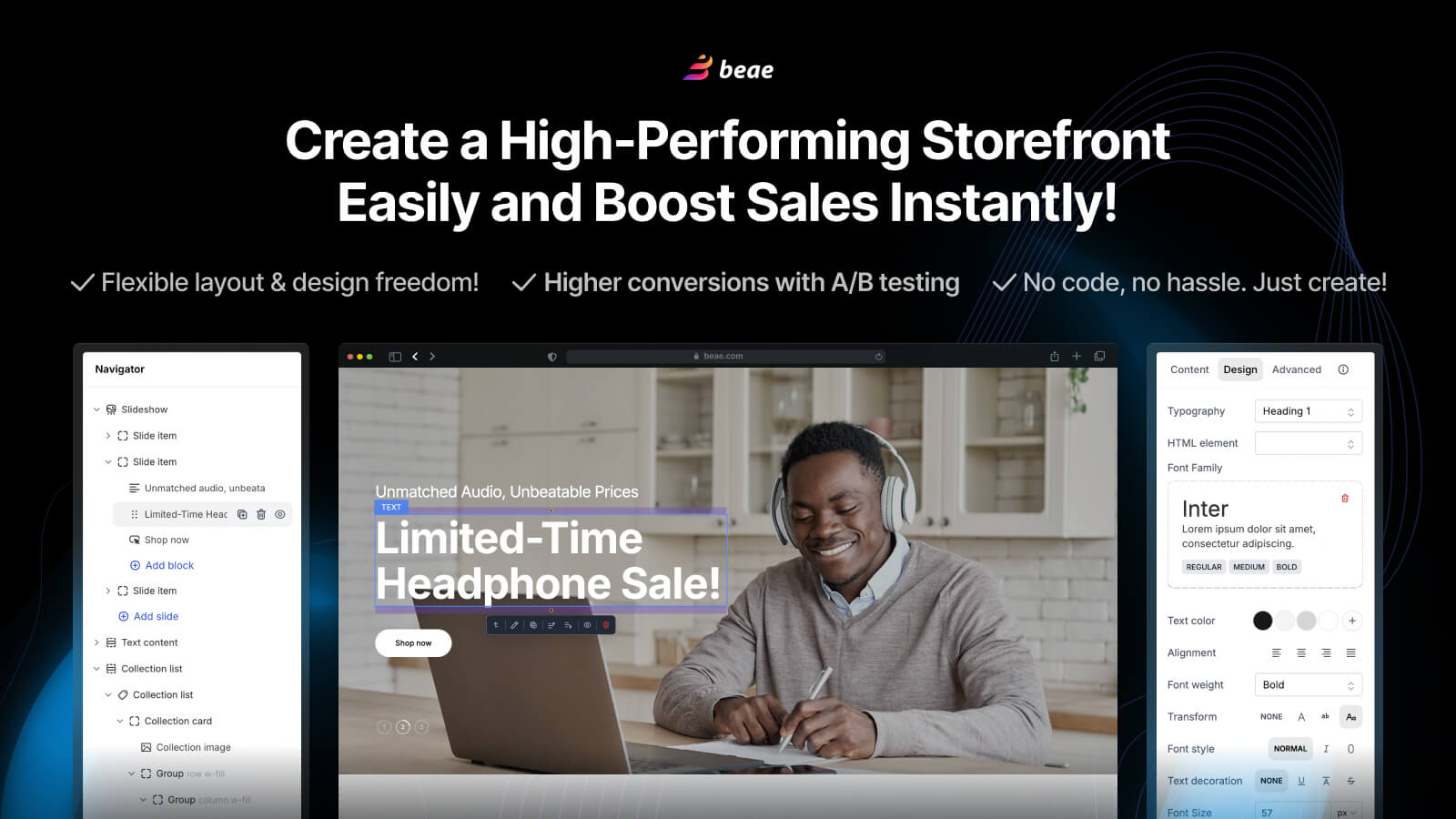
Pricing: Free plan available. Paid from $14.90/month. Shopify App Store rating: 4.9/5 (1,500+ reviews)
Beae has carved out a clear niche: design quality without enterprise pricing. Its templates are genuinely good, clean layouts, thoughtful typography, and output that looks polished without requiring significant customization work.
For brands in fashion, beauty, lifestyle, or any category where aesthetics are a direct factor in purchase decisions, Beae is worth testing. The entry paid plan at $14.90/month is significantly cheaper than GemPages for comparable visual output.
The honest limitation is that Beae lacks the depth of analytics, A/B testing, and post-purchase funnel tools that GemPages offers on higher plans. It’s a design-first tool, not a CRO-first one. If your main bottleneck is making pages look better and load faster, Beae solves that well. If you need conversion data to guide design decisions, look at Shogun or PageFly instead.
7. LayoutHub: Best for Launching Campaigns Quickly from Templates
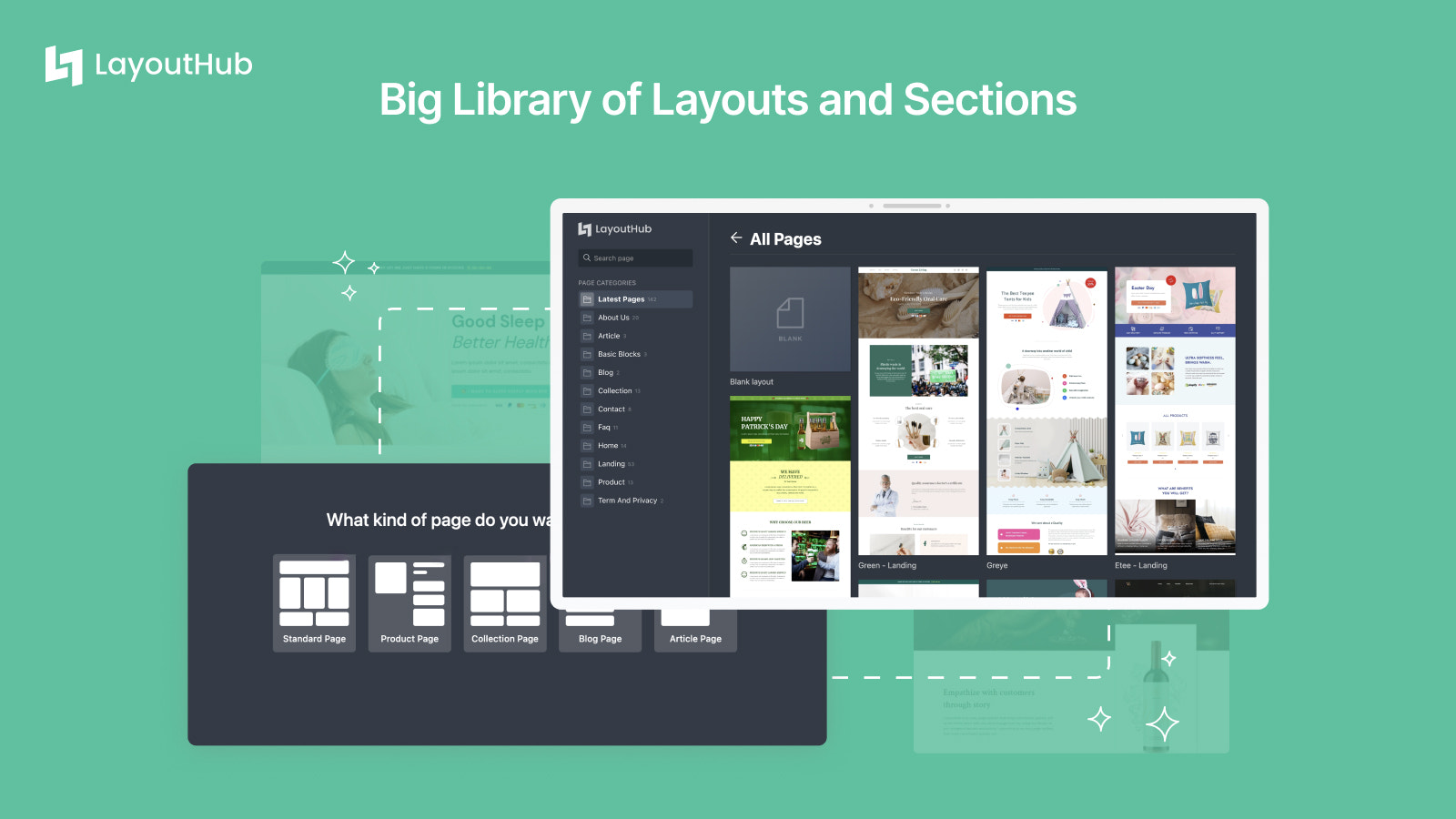
Pricing: Free plan available. Paid from $14/month. Shopify App Store rating: 4.9/5 (1,200+ reviews)
LayoutHub is template-first by design. Its library is built around ecommerce-specific page types, product launches, seasonal promotions, bundle offers, coming-soon pages, created by conversion professionals rather than general designers.
The result is that most templates are ready to use with minimal changes. Merchants running frequent promotions, seasonal campaigns, or product drops get from brief to live page faster with LayoutHub than with any more flexible builder. The tradeoff is creative freedom: LayoutHub gives you less blank-canvas control than GemPages or PageFly, and you’re often working within the structure the template provides.
For stores that measure speed-to-publish over design flexibility, LayoutHub earns its place in the stack.
8. Foxify: Best for AI-Generated Layouts and Canvas-Style Editing
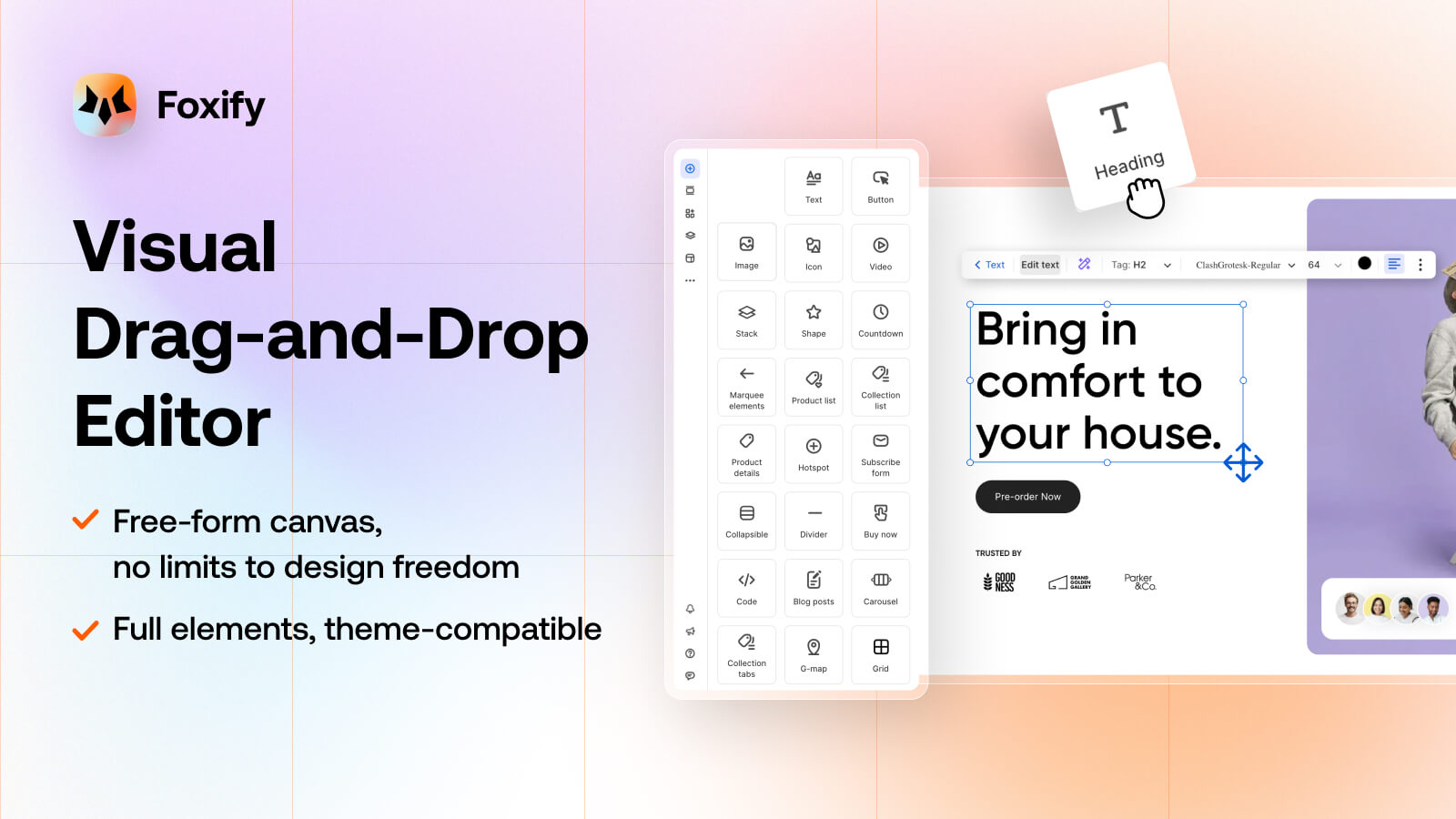
Pricing: From $1/month (Pilot). Growth from $19/month. Shopify App Store rating: 4.8/5 (300+ reviews) Built for Shopify: Yes
Foxify’s editor works as an open canvas rather than a row-and-column grid. That design choice gives you more control over positioning and layout than GemPages’s more structured editor, particularly for merchants who have felt constrained by rigid section systems.
The standout feature is AI layout generation. Where most builders use AI primarily for copywriting, Foxify can generate entire page layouts from a prompt or reference URL. This is a genuinely faster starting point than browsing template libraries, especially useful for stores running many page variants at once.
Foxify also bundles several conversion elements natively: Ajax cart, color swatches, quick-view popups, and cross-sell widgets. On lower-priced plans, this reduces the number of single-purpose apps you’d otherwise need to install separately. The $1/month Pilot plan makes it one of the most accessible paid options to test with minimal commitment.
9. Zipify Pages: Best for DTC Brands Running Paid Traffic Funnels

Pricing: From $19/month (Starter). Shopify App Store rating: 4.8/5 (500+ reviews)
Zipify Pages was built by Ezra Firestone, who developed it while running a $180 million Shopify store. The focus is not design flexibility, it’s proven, high-converting page layouts built by and for marketers who run paid traffic.
The template library is curated from pages that have actually performed well in real DTC contexts, not generic layout templates. This means a Zipify template for a product launch page is structured the way high-converting DTC launch pages are actually structured, with the objection handling, social proof placement, and offer framing baked into the layout.
What you give up is creative control. Zipify is more block-based than true drag-and-drop, and customization options are narrower than GemPages or PageFly. The tradeoff makes sense for brands that want proven layouts deployed quickly. For brands that want full design control, look at PageFly or GemPages itself.
10. Replo: Best for High-Volume Ad Campaigns at Scale
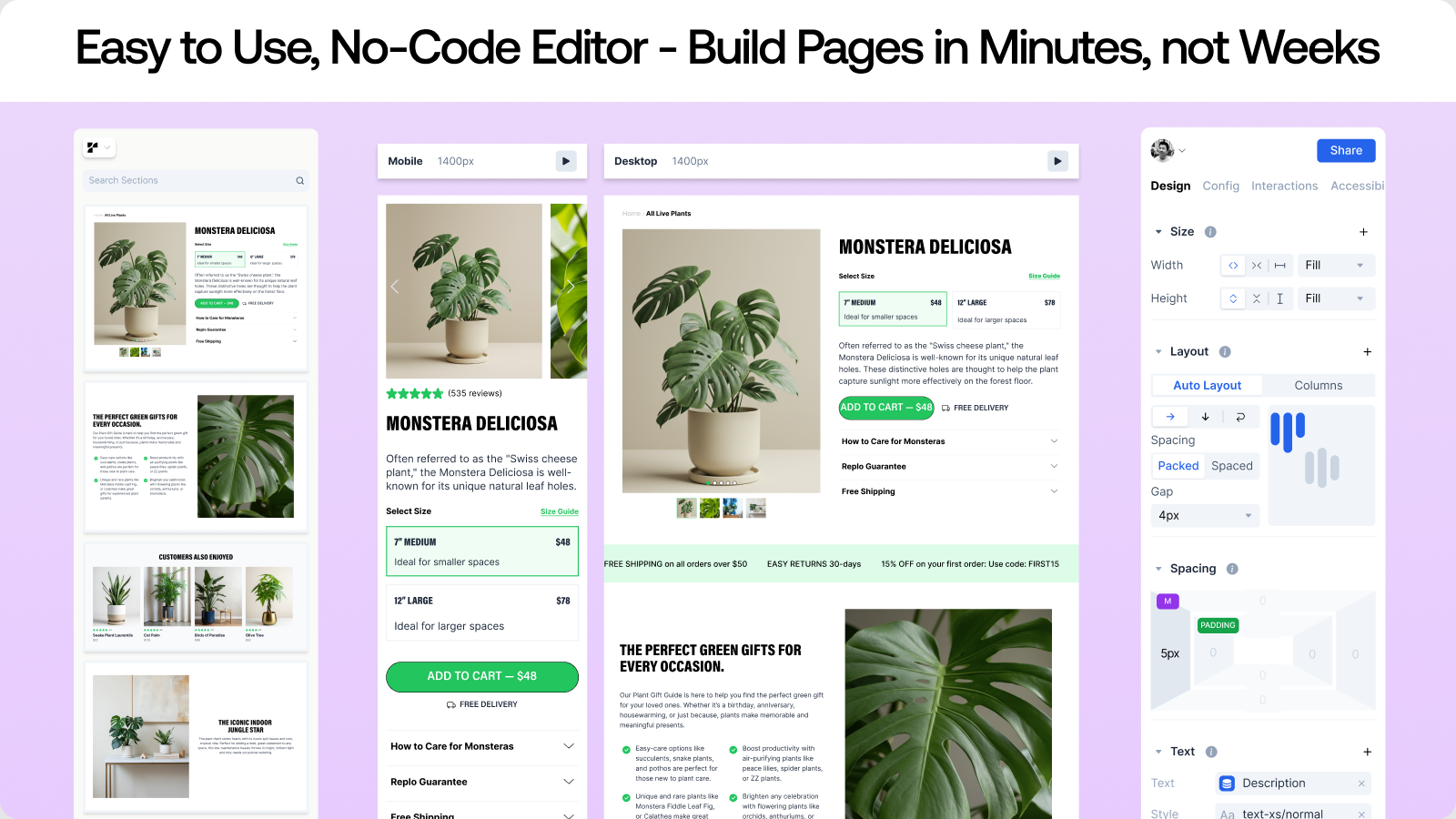
Pricing: From $99/month per seat. Shopify App Store rating: 4.9/5 (400+ reviews)
Replo is built specifically for established DTC brands running significant paid traffic. It treats page building as part of a growth workflow: publish fast, measure performance, iterate without rebuilding from scratch.
The template library is curated from real high-performing DTC landing pages. Integration with Klaviyo, Postscript, and major analytics platforms is deep. The built-in experimentation tools are designed for teams that make decisions from data, not from visual preference.
The price reflects the target market. At $99/month per seat, Replo is squarely aimed at stores doing substantial revenue with real media budgets. For a store doing $500K+/year with active paid campaigns, the ROI math works easily. For earlier-stage stores, the cost is hard to justify before you have the traffic volume to use the testing features meaningfully.
Full Comparison Table
| # | App | Best For | Free Plan | Starting Price | A/B Testing | Native Liquid Output |
|---|---|---|---|---|---|---|
| 1 | Canvify | Canva users, brand & campaign pages | 14-day trial | $8.70/mo | No | Yes |
| 2 | PageFly | All-round builder, large template library | Yes (1 page) | $24/mo | Yes | No |
| 3 | Shogun | Enterprise teams, built-in A/B testing | Trial only | $39/mo | Yes | No |
| 4 | EComposer | Beginners, fast setup, AI copy | Yes | $19/mo | No | No |
| 5 | Instant | Figma teams, clean code, speed | Yes (1 page) | $39/mo | Yes | Yes |
| 6 | Beae | Design-focused stores, budget pricing | Yes | $14.90/mo | No | No |
| 7 | LayoutHub | Quick campaign launches from templates | Yes | $14/mo | No | No |
| 8 | Foxify | AI layouts, canvas-style editing | Yes (1 page) | $1/mo | No | No |
| 9 | Zipify Pages | DTC paid traffic, funnel-proven templates | No | $19/mo | No | No |
| 10 | Replo | High-volume campaigns at scale | No | $99/mo | No | No |
How to Choose the Right GemPages Alternative
The right pick depends on your honest answer to a few questions.
What kind of pages do you actually need? Most merchants need 3-5 custom pages: a homepage redesign, a campaign landing page, maybe a product page upgrade. For that use case, Canvify or Beae covers it for a fraction of GemPages’s cost. If you need full control over every page type and complex funnel flows, PageFly or Shogun is the better fit.
Does your team already use Canva? If yes, Canvify is almost certainly the most practical route. The skill transfer is immediate, the pricing is the lowest on this list, and the output is native Shopify pages with no app dependency at runtime. You don’t learn a new tool, you extend a workflow you already have.
Does page speed affect your business model? If you run Google Ads where Core Web Vitals affect Quality Scores, or SEO-driven traffic where page speed affects rankings, the JavaScript overhead of most page builders matters. Instant and Canvify both output content that behaves like native theme code rather than app-injected scripts.
What is your monthly revenue? Shogun and Replo are excellent tools. At $39-$99/month, they’re also priced for stores with the revenue to absorb that overhead. A $20K/month store spending $99/month on a page builder is devoting half a percent of revenue to a single design tool. Canvify, EComposer, or Beae solve 80% of the same problems for under $20/month.
One Tool That Works With All of Them: EmbedAny
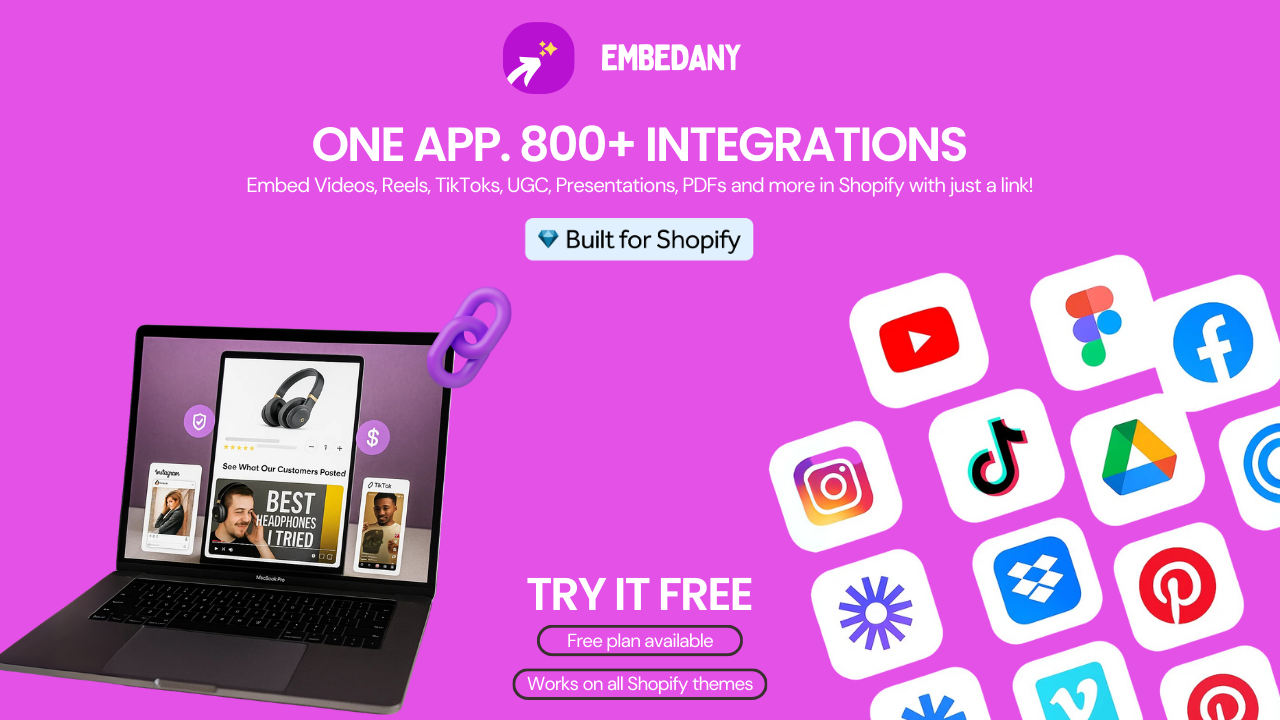
Whichever page builder you end up using, GemPages, Canvify, PageFly, EComposer, or any other, one gap they all share is making it easy to embed rich external content directly inside the pages you build.
That’s where EmbedAny comes in, and it’s worth knowing about regardless of which builder you pick.
EmbedAny is a Built for Shopify app that lets you embed content from 800+ platforms, Instagram, TikTok, YouTube, Google Reviews, Trustpilot, Spotify, PDFs, Google Slides, and more, by pasting a single URL anywhere in your Shopify store. No iframe code. No developer. No compatibility concerns with your page builder.
It works natively inside your Shopify pages, sections, product descriptions, and blog posts. So whether you’re using GemPages, PageFly, or Canvify to build your layouts, EmbedAny sits alongside them as a separate layer, adding the live, interactive content that page builders can’t pull in on their own.
In practical terms, here’s what that looks like:
- Paste a TikTok customer review link directly inside a GemPages product page section, it renders as a live, shoppable video widget
- Add a Trustpilot review embed to a PageFly landing page without a separate plugin
- Place a YouTube product demo inside an EComposer section next to an add-to-cart button
- Embed an Instagram Reel or Google Reviews widget on any Canvify-built homepage section
Page builders give you the layout and the structure. EmbedAny adds multimedia content and social proof that actually persuade someone to buy. The two tools solve different problems and work well together.
You can read more about how to use embedded content strategically in our guide on how to embed an Instagram feed on Shopify and how to embed social proof content using iframes. If you want to add review embeds from Facebook or Google to your store pages, our guide on embedding Facebook reviews on Shopify walks through the exact process.
No matter which page builder you use, EmbedAny integrates right in, no compatibility setup required, no theme conflicts, and no need to rebuild your pages to add it.
Final Thoughts: GemPages is Not the Default
I work with Shopify merchants at different stages, and the honest pattern I see is that most people install GemPages because it came up first or someone recommended it, not because they evaluated it against their actual needs.
That’s a reasonable way to start. It’s not always the best way to stay.
If you use Canva and want brand pages without a new tool to learn: Canvify is $8.70/month with no tiers, no lock-in, and a zero learning curve for Canva users.
If you want a direct feature-for-feature GemPages replacement: PageFly has the largest review base on Shopify and the Built for Shopify certification GemPages doesn’t carry.
If you’re running serious paid traffic at scale: Replo or Shogun depending on your team size and what you need from the data layer.
If page speed and code portability matter: Instant outputs native Liquid. Your pages stay editable and live in your theme regardless of whether the app is installed.
The right page builder is the one that fits your actual store. Not the most popular one. Not the one with the most templates. The one that solves your specific bottleneck without creating new ones.
FAQs
What is the best free gempages alternative for shopify?
PageFly and EComposer both offer free plans for one published page. Beae and LayoutHub also have free tiers. For merchants who already use Canva, Canvify offers a 14-day free trial at full features before the $8.70/month subscription begins. Among paid options, Canvify is the most affordable with unlimited pages on a single flat plan.
Can canvify work as a gempages replacement?
For campaign landing pages, homepage sections, about pages, and content-forward marketing pages, yes. Canvify imports Canva designs as native Shopify pages, SEO-indexed, mobile-responsive, and without a JavaScript overlay. It doesn’t have dynamic product grids, native add-to-cart block logic, or A/B testing, so it’s not a full like-for-like replacement for GemPages’s CRO feature set. For most merchants, it covers the pages they actually need to build.
Which gempages alternative is fastest for page speed?
Instant and Canvify produce the lightest pages on this list. Instant outputs native Shopify Liquid that lives in your theme. Canvify pages are imported as Shopify-native content without app rendering overhead. Both avoid the JavaScript layer that most drag-and-drop builders add at load time.
Can I switch from gempages to another builder without losing my pages?
Switching page builders typically requires rebuilding your pages in the new editor. There’s no migration tool that transfers GemPages content directly into PageFly, EComposer, or any other builder. The effort depends on how many published pages you have and how complex they are. Most alternatives offer onboarding support to help with the transition.
Is gempages built for shopify?
No. GemPages is not Built for Shopify certified. PageFly, Canvify, and Foxify all carry the Built for Shopify badge, which means they have passed Shopify’s standards for performance, design, and integration. That certification matters for merchants who prioritize app reliability and long-term stability.
What gempages alternative is best for beginners?
EComposer is the most commonly recommended option for beginners, with a guided setup and an interface that feels similar to Shopify’s own editor. For merchants already comfortable with Canva, Canvify has essentially no learning curve, there’s no new tool to master.
How much does gempages cost compared to alternatives?
GemPages’s paid plans run from $29/month (Build) to $199/month (Enterprise). By comparison, Canvify is $8.70/month flat with unlimited pages, EComposer starts at $19/month, Beae at $14.90/month, and LayoutHub at $14/month. PageFly starts at $24/month and Shogun at $39/month. For equivalent functionality at lower volume, most alternatives are meaningfully cheaper.
Does embedany work with gempages and other shopify page builders?
Yes. EmbedAny works independently of whichever page builder you use. It’s a Shopify app that adds embedded content from 800+ platforms by pasting a link, inside any section, product description, or page on your store. It doesn’t conflict with GemPages, PageFly, EComposer, Canvify, or any other builder. You can use it alongside any of them to add Instagram feeds, TikTok videos, YouTube demos, Google Reviews, Trustpilot widgets, and more without any compatibility setup.
What should I look for in a gempages alternative?
The four most important factors are: whether the output is native Shopify code or app-dependent (affects speed and portability), what page types are supported, how the pricing scales as your page count grows, and whether the design workflow fits how your team actually works. For Canva users, workflow fit is the most underrated factor on that list.